📌 UPDATE — March 25, 2026
A striking real-world demonstration of FSD (Supervised) v14.2.2.5 has emerged: a Cybertruck was captured autonomously reversing at an intersection to make room after a semi-truck took an unusually wide turn. The vehicle detected the encroaching truck, judged that it needed more clearance, and executed the reverse maneuver entirely on its own — no driver input required. This kind of reactive, context-aware spatial reasoning in an unscripted scenario highlights a meaningful leap in FSD's ability to handle unpredictable road situations beyond standard lane-keeping and stopping behavior.
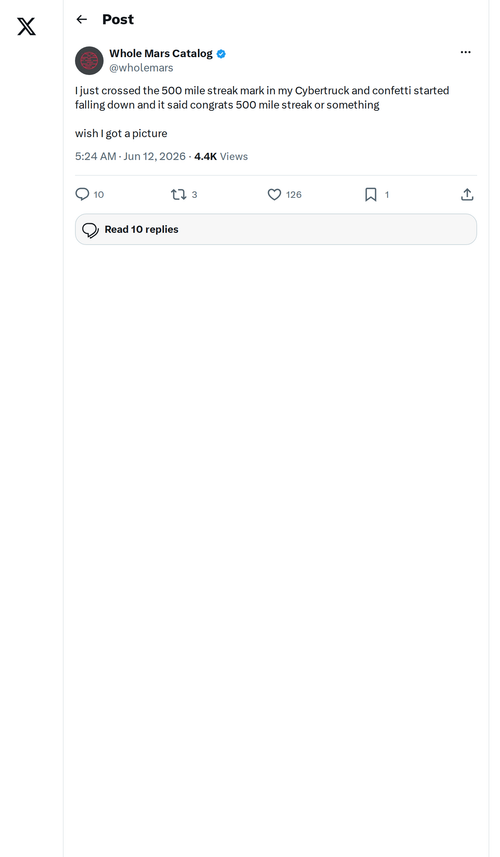
🐦 @SawyerMerritt · Mar 25, 2026
"This is pretty incredible. This Cybertruck on @Tesla FSD (Supervised) v14.2.2.5 reversed by itself at an intersection to create space after a semi truck took a very wide turn. Sentience."

📌 UPDATE — March 22, 2026
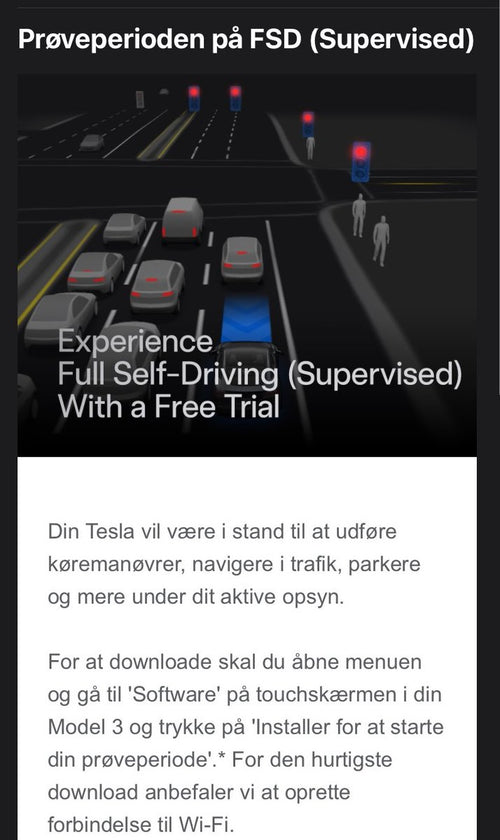
Tesla's 2026.2.9.2 software update is now in its second wave of rollout, signaling a broader distribution push to more vehicles. If you haven't received the update yet, it may be heading your way soon. Check your Tesla app or touchscreen under Software to see if it's available for your vehicle.

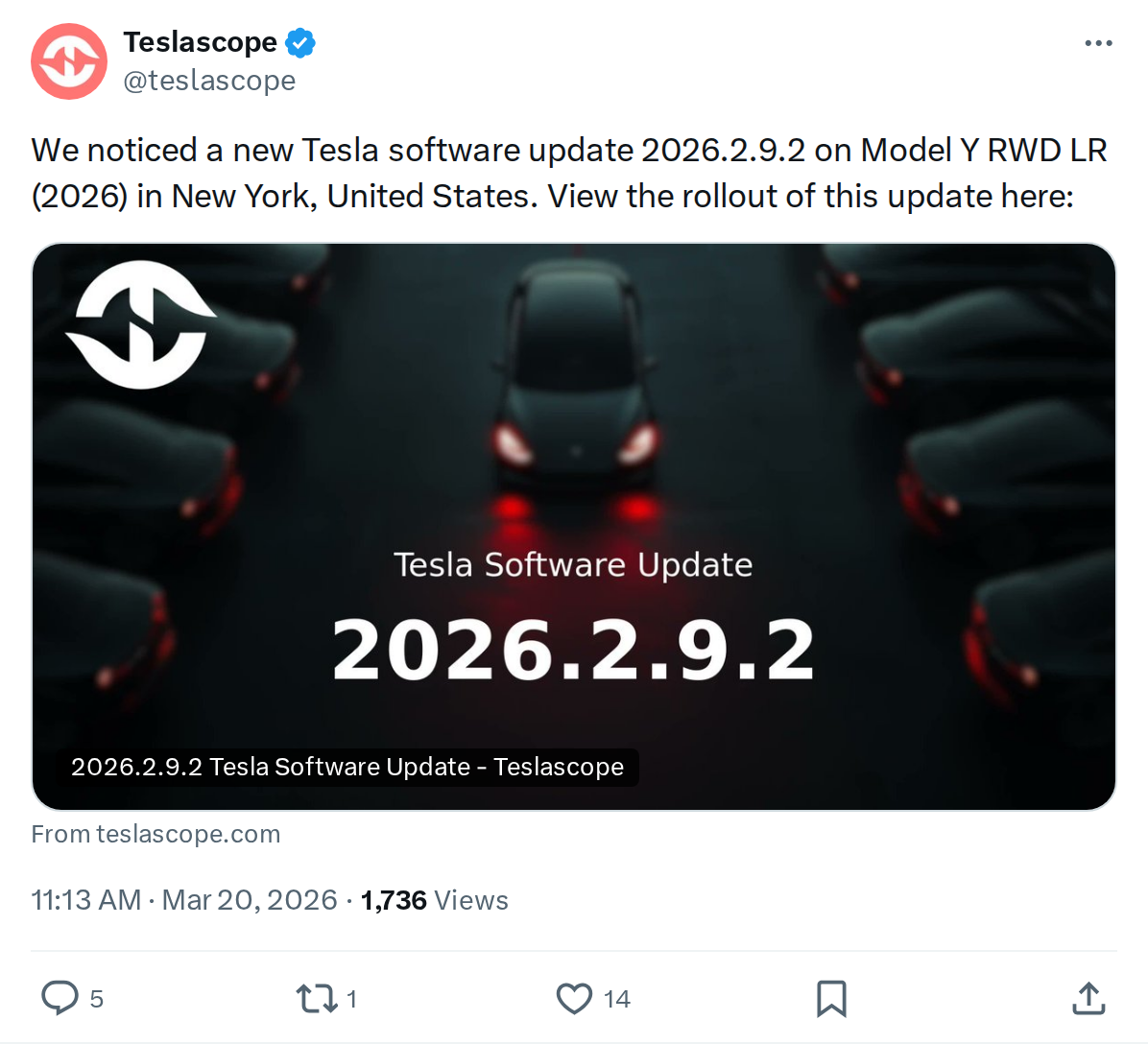
The News: Tesla has begun rolling out software update 2026.2.9.2, first detected on a 2026 Model Y RWD LR in New York.
Why It Matters: Despite being described as mostly minor changes, this update ships FSD (Supervised) v14.2.2.5 — a meaningful neural network upgrade — alongside new Speed Profiles, Arrival Options, and renamed Autopilot menus that every FSD user will notice immediately.
Source: @teslascope on X
Tesla Software Update 2026.2.9.2 Rolling Out: FSD v14.2.2.5, New Speed Profiles, and Renamed Menus
Tesla software update 2026.2.9.2 has entered the wild. Teslascope detected it first on a 2026 Model Y RWD Long Range in New York early this morning — and while the tracker notes it carries mostly minor changes, the official release notes tell a more complete story. This build brings FSD (Supervised) v14.2.2.5, a new Speed Profile system including the extremes of SLOTH and MAD MAX, Arrival Options for parking preferences, and a suite of Autopilot feature renames that will change what you see on your screen.


📊 What Changed in 2026.2.9.2
| Change | Type | Models |
|---|---|---|
| FSD (Supervised) v14.2.2.5 — upgraded neural network vision encoder, improved emergency vehicle handling, blocked road routing, and more | Official | All FSD-capable |
| Speed Profiles — new SLOTH (ultra-conservative) and MAD MAX (aggressive) profiles; right scroll wheel now adjusts Speed Profile instead of mph offset | Official | All FSD-capable |
| Arrival Options — choose where FSD parks: Parking Lot, Street, Driveway, Parking Garage, or Curbside | Official | All FSD-capable |
| Autopilot Naming Update — Navigate on Autopilot → Navigate on Autosteer; FSD Computer → AI Computer; Autopilot Menu → Self-Driving Menu | Official | All models |
| UI Improvements — Self-Driving stats under Controls > Self-Driving; start FSD from touchscreen tap; adjust Speed Profile and Arrival Options from the visualization screen | Official | All FSD-capable |
| Brake Confirm — now defaulted OFF; Start Self-Driving no longer requires brake press to confirm engagement (can be re-enabled in Self-Driving > Brake Confirm) | Official | All FSD-capable |
| Windshield Residue Alert — new alert if interior windshield build-up may impact front camera visibility | Official | All FSD-capable |
🔍 The Biggest Changes, Explained
FSD v14.2.2.5 — More Than a Point Release
The neural network vision encoder upgrade is the headline item here. Tesla has pushed higher-resolution features into the model, which translates to better recognition of edge cases: emergency vehicles, road debris like fallen tires and branches, and human gestures at intersections. The system can now also receive navigation and routing data directly into the vision network — meaning if a road is blocked, FSD can reroute in real time rather than waiting for map data to catch up. Emergency vehicle pull-over handling is now built in, not just flagged as upcoming.
Speed Profiles: SLOTH to MAD MAX
This is the change most owners will interact with daily. The existing CHILL and HURRY profiles are now bookended by two new extremes. SLOTH runs lower speeds and more conservative lane selection than CHILL — useful in dense urban environments or when you want FSD to be maximally cautious. MAD MAX goes the other direction: higher speeds and more frequent lane changes than HURRY. Critically, the right scroll wheel on the steering wheel has been reassigned — it now cycles through Speed Profiles rather than adjusting your precise mph offset. If you relied on that scroll wheel for fine-tuned speed control, your workflow just changed.
Arrival Options — Robotaxi-Style Parking Preferences
You can now tell FSD exactly where you want it to park when you arrive at a destination: Parking Lot, Street, Driveway, Parking Garage, or Curbside. The release notes describe this as enabling "Robotaxi-style drop offs" — a clear signal of where Tesla is heading with this feature long-term. Your preferences are saved per arrival option and preferred parking position.
Menu Renames — Don't Be Confused
Tesla is standardizing its branding around "Self-Driving" and "AI" terminology. The renames are cosmetic — behavior doesn't change — but if you're used to navigating to the Autopilot Menu or seeing "FSD Computer" in diagnostics, those labels are gone. The new names are Navigate on Autosteer, AI Computer, and Self-Driving Menu respectively.
🚦 Owner's Action Plan
Verdict: Recommended — This update contains meaningful FSD improvements and behavioral changes to the scroll wheel. Install promptly, but take 5 minutes to review the new Speed Profile system before your next FSD drive.
- Check for the update now. Go to Controls > Software and tap Check for Updates. If 2026.2.9.2 isn't available yet, it's rolling out gradually — check again in a few hours.
- Schedule the install overnight. Go to Controls > Software > Schedule Update to install during off-peak hours. The update will require a reboot.
- After installing, recalibrate your scroll wheel expectations. The right scroll wheel no longer adjusts mph offset — it now cycles Speed Profiles. Open Controls > Self-Driving to familiarize yourself with SLOTH, CHILL, HURRY, and MAD MAX before engaging FSD.
- Set your Arrival Options preference. Navigate to Controls > Self-Driving > Arrival Options and select your default parking preference. This saves time on every FSD-assisted arrival.
- Note the Brake Confirm change. Start Self-Driving no longer requires a brake press by default. If you prefer the confirmation step for safety, re-enable it at Self-Driving > Brake Confirm.
- Don't be alarmed by renamed menus. Navigate on Autosteer, AI Computer, and Self-Driving Menu are the same features you know — just rebranded. Behavior is unchanged.
- Watch for the windshield alert. If your front camera visibility is impaired by interior residue, this update will now flag it. If you see the alert, book a Service appointment for cleaning.
📰 Deep Dive
Teslascope's characterization of 2026.2.9.2 as carrying "mostly minor changes" is technically accurate in terms of sheer line count — but the FSD v14.2.2.5 payload is anything but minor for the roughly half of Tesla owners actively using Full Self-Driving. The vision encoder upgrade and real-time routing integration represent the kind of infrastructure-level improvements that compound over time. Tesla's approach of pushing navigation data directly into the neural network — rather than relying on a separate map layer — is a meaningful architectural step toward the system handling novel road conditions without pre-mapped data.
The Speed Profile overhaul deserves attention beyond the novelty of SLOTH and MAD MAX branding. Reassigning the right scroll wheel from mph offset to profile selection is a UX shift that will catch experienced FSD users off guard. The old behavior gave granular control; the new behavior prioritizes profile-level adjustments. For owners who dialed in a specific +5 mph or -3 mph offset as muscle memory, that workflow is gone. The tradeoff is a more accessible, profile-based system that aligns with how Tesla likely wants most owners to interact with FSD speed behavior going forward.
The Arrival Options feature is worth watching as a leading indicator. Framing parking preferences as "Robotaxi-style drop offs" in official release notes signals that Tesla is building the consumer FSD experience and the future Cybercab/Robotaxi experience on the same codebase. Features that feel like convenience upgrades today are likely the foundation for fully autonomous operation tomorrow. For our FSD coverage, this update marks one of the more substantive capability additions in recent memory — even if the version bump looks incremental on paper.

Marcus covers Tesla's software releases, FSD rollouts, and OTA changes. Background in automotive engineering. Based in Austin.
Sources verified at publish time. Spotted an inaccuracy? Email editorial@basenor.com.