30-Second Brief
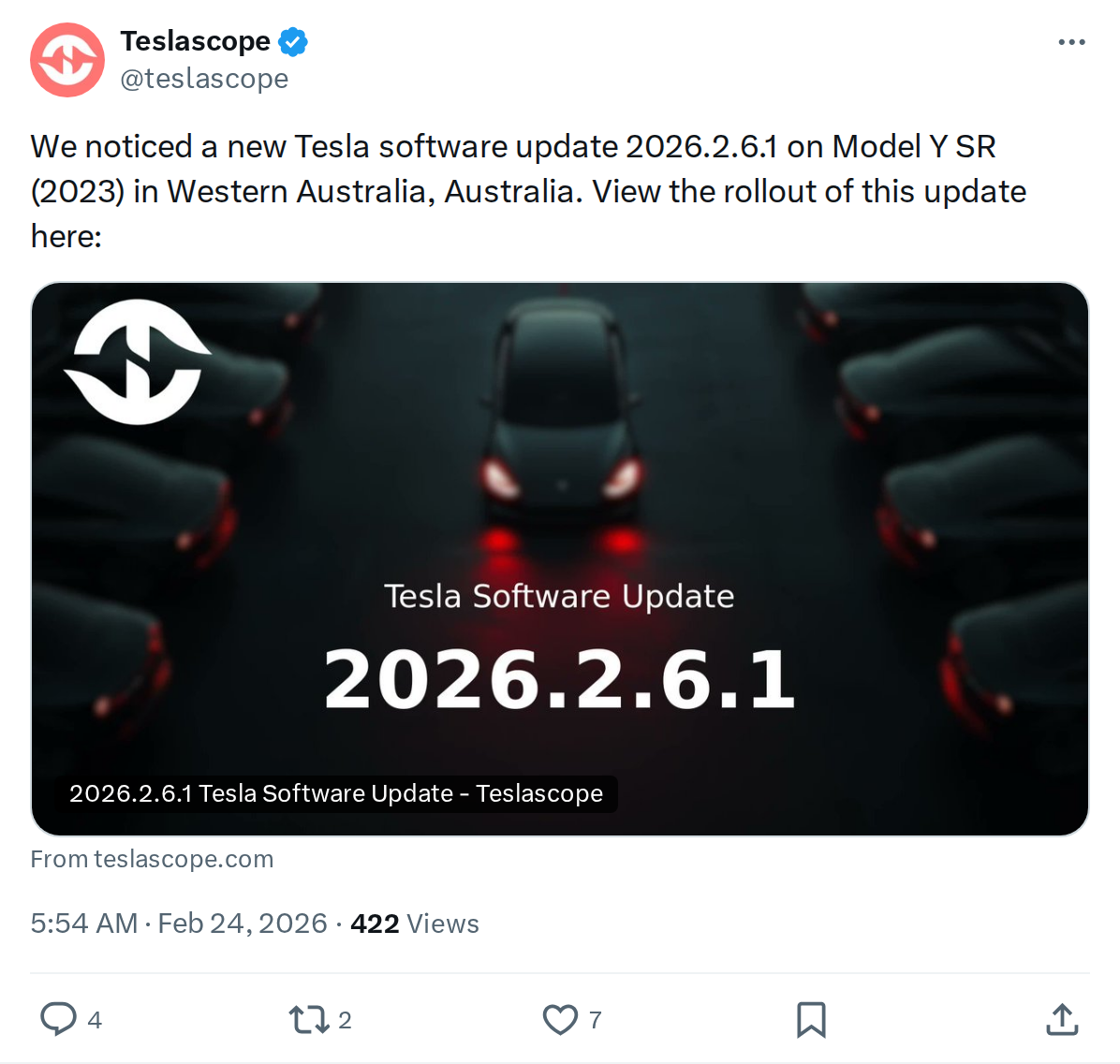
The News: Tesla has begun rolling out software version 2026.2.6.1, first detected on a 2023 Model Y Standard Range in Western Australia.
Why It Matters: This update — a minor iteration on the widely distributed 2026.2.6 build — carries some of the most substantive feature additions in recent memory, including Grok AI navigation commands, Child Left Alone Detection, expanded Supercharger site maps for Europe, and a new SpaceX Docking Simulator in Tesla Arcade.
Source: @teslascope on X
Tesla Software Update 2026.2.6.1 Is Rolling Out: Full Feature Breakdown and Owner Action Plan
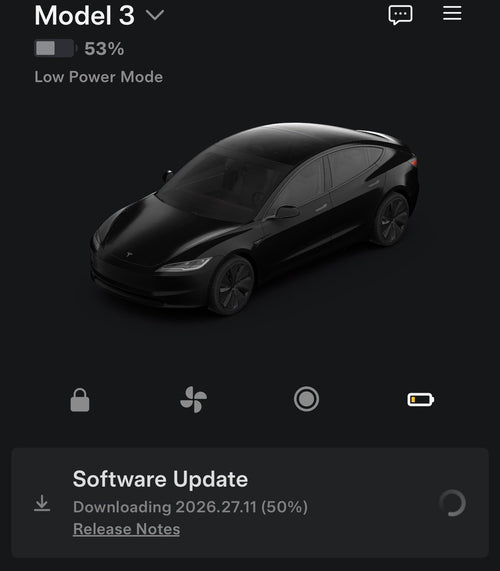
Tesla has commenced the rollout of software version 2026.2.6.1 — the latest minor iteration of the 2026.2.6 firmware branch. The update was first spotted by vehicle tracking service Teslascope on a 2023 Model Y Standard Range in Western Australia, signalling that the global distribution phase is underway.

The parent build, 2026.2.6, was already in wide release as of February 20, 2026, having reached approximately 12–13% of the global Tesla fleet according to fleet statistics from Tessie. The .1 revision is a minor patch on top of that base — the core feature set remains consistent, but expect the usual round of refinements and stability fixes that accompany point releases.
📊 What Changed in 2026.2.6 / 2026.2.6.1
| Feature | Before | After 2026.2.6.1 |
|---|---|---|
| Grok AI | Available in select markets | Now live in Europe (AMD Ryzen + Premium Connectivity required); can add/edit navigation destinations |
| Child Left Alone Detection | Not available | Enabled by default; triggers exterior lights, in-car alert, and Tesla app notification if child detected unattended |
| Charge Cable Unlatching | App or button only | Pull and hold rear-left door handle for 3 seconds (vehicle must be unlocked or recognized key nearby) |
| Dashcam Viewer | Basic clip playback | Clips now include speed, steering angle, and self-driving state overlay (Premium Connectivity + App v4.51.5+ required for in-app playback) |
| Supercharger Site Maps | 3D stall maps limited to select regions | Expanded to Europe with live stall occupancy |
| Dog Mode (iOS) | App notification only | Live Activity on iPhone Lock Screen with real-time temp; cabin snapshots with Premium Connectivity |
| Navigation | Standard routing | HOV lane auto-routing, charge limit saved by location, reorder navigation favorites |
| Tesla Photobooth | Not available | Take selfies, apply filters, share via Tesla App |
| Tesla Arcade | Existing game library | SpaceX Docking Simulator added |
🚦 Owner's Action Plan
⚠️ Verdict: RECOMMENDED — Install promptly
No critical safety recalls are associated with this update. However, Child Left Alone Detection and the charge cable unlatching fix are meaningful safety and convenience improvements worth installing without delay.
- Check for the update now. Go to Controls → Software → Check for Updates on your touchscreen. If 2026.2.6.1 (or 2026.2.6) appears, schedule installation.
- Update your Tesla App. The enhanced Dashcam in-app playback requires Tesla App version 4.51.5 or later. Head to the App Store or Google Play and update before installing the vehicle software.
- Verify Child Left Alone Detection is on. After installation, navigate to Controls → Safety and confirm this feature is enabled. It's on by default but worth a quick check.
- European owners: Enable Grok AI navigation commands. If your vehicle has an AMD Ryzen GPU and an active Premium Connectivity subscription, Grok will be available in your voice assistant. Try asking it to add a waypoint to your route.
- Test the charge cable door handle trick. With the car unlocked or a key fob nearby, try holding the rear-left door handle for three seconds while plugged in. This is a legitimate alternative unlatching method as of this update.
- iOS users: Check for Dog Mode Live Activity. If you regularly use Dog Mode, confirm your iPhone is running a compatible iOS version to receive Lock Screen temperature updates.
- Explore 3D Supercharger Maps (Europe). Open the Supercharger overlay in navigation while en route — stall layouts and live occupancy are now visible for European sites.
📰 Deep Dive
The 2026.2.6 branch has been one of Tesla's more feature-dense releases in recent quarters. What's notable is the breadth of the changes: Grok AI's European expansion is the headline, but the safety additions — particularly Child Left Alone Detection — reflect Tesla's ongoing effort to address real-world driver concern scenarios without requiring third-party hardware. The feature works entirely through the vehicle's existing camera suite and triggers a multi-layered alert: exterior lights flash, an in-cabin alert fires, and a Tesla app push notification is sent to the owner's device. It is enabled by default, which is the right call.
The enhanced Dashcam Viewer is quietly significant for owners who rely on footage for insurance or incident reporting. The addition of speed, steering angle, and self-driving state as overlaid metadata transforms a passive recording into a timestamped, contextual event log. This kind of data can be decisive when disputing a collision claim. The requirement for Premium Connectivity for in-app playback is a limitation, but footage remains accessible via the USB drive without a subscription.
On the convenience side, the charge cable door handle unlatching method (first introduced in 2026.2.3) addresses a surprisingly common pain point — a stuck or unresponsive charge port release — with a physical fallback that requires no app or button. The navigation updates, including HOV lane routing and per-location charge limit saving, are the kind of quality-of-life improvements that compound over daily use. The SpaceX Docking Simulator in Tesla Arcade is a nod to cross-brand fun, but practically speaking, it's a waiting-at-a-Supercharger distraction rather than a core feature.
As for the .1 revision specifically, the distinction from 2026.2.6 likely reflects minor under-the-hood patches rather than new end-user features. Tesla does not always publish granular changelogs for point releases, so owners receiving 2026.2.6.1 directly — rather than 2026.2.6 — are getting the same core experience, likely with incremental stability improvements applied. There is no reason to delay installation waiting to see if a further revision appears.
📋 Tracking Tesla software? See every firmware, FSD and app version in one place in our Tesla Software Update Tracker.
Related Gear
Gear up your Model Y with tested, custom-fit BASENOR accessories — shop Model Y accessories →
Sources & reporting notes
The links below identify the material source records used for this report.
- @teslascope on X (2026-02-23T21:54:13.000Z) — Direct source
Source links are preserved as published or accessed. See our editorial standards and corrections policy.
The BASENOR Editorial Desk covers Tesla, SpaceX, and related technology, curating reporting from primary sources — official accounts, regulatory filings, and software release data. Every article passes source-record and fact-checking review before publication. About the newsroom.
This report was curated by the BASENOR Editorial Desk from the sources listed above. Read our editorial standards or email editorial@basenor.com to report an error.