30-Second Brief
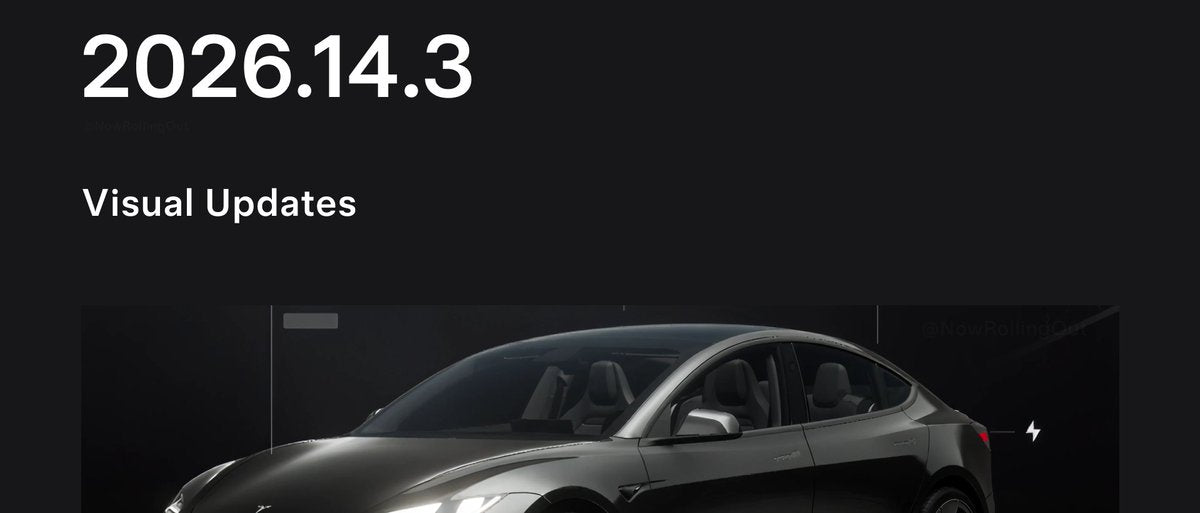
The News: Tesla's 2026.14.3 software update — officially branded the Spring Update 2026 — is now in its third wave of deployment, with release notes confirmed as of April 28, 2026.
Why It Matters: This is one of Tesla's most feature-dense seasonal updates in recent memory, touching voice control, FSD, Dashcam, navigation, safety lighting, and more. If you haven't received it yet, it's coming soon.
Source: @NowRollingOut on X

📊 What Changed in 2026.14.3
The Spring Update 2026 is a wide-ranging release. Earlier builds in the 2026.14.x branch (2026.14.1 and 2026.14.2) had already reached roughly 25% of the global Tesla fleet by April 24. Version 2026.14.3 was first spotted on April 22 and its release notes were confirmed on April 28 — the same day this third wave launched.
| Change | Type | Notes |
|---|---|---|
| Automatic Software Updates | Official | Installs overnight while parked. Enable via Controls > Software > Automatically Install Updates. |
| "Hey Grok" Voice Activation | Official | Hands-free wake word for Grok AI assistant. |
| Redesigned Self-Driving App | Official | AI4 hardware only. One-tap FSD subscriptions + in-vehicle usage stats. |
| Pet Mode Enhancements | Official | Choose and name your pets within the app. |
| Blind Spot Warning Accent Lights | Official | Turn red when an object enters your blind spot or approaches while parked. |
| Extended Dashcam Retention (24hr) | Official | Save clips permanently to vehicle or phone. Requires Premium Connectivity + Tesla app v4.55.6+. |
| Improved Weather Maps | Official | Enhanced precipitation colors, view past hour of weather data. Requires Premium Connectivity. |
| Supercharger Pricing Filter | Official | Route only to Superchargers with Tesla pricing. Requires online routing. |
| Rear Display Maps | Official | Passengers can now view maps on the rear display. |
| Music App Queuing | Official | Swipe right to queue tracks in the Music app. |
🚦 Owner's Action Plan
Step 1 — Check for the update now
Go to Controls > Software on your touchscreen. If 2026.14.3 is available, you'll see the yellow download icon. Tap to begin.
Step 2 — Enable Automatic Software Updates Essential
One of the headline features of this update is the ability to let your Tesla install updates overnight. Once you're on 2026.14.3, go to Controls > Software > Automatically Install Updates and toggle it on. You'll never have to think about updates again.
Step 3 — Update your Tesla mobile app Recommended
The 24-hour Dashcam retention and phone download feature requires Tesla app version 4.55.6 or later. Head to the App Store or Google Play and update before you expect to use it.
Step 4 — Confirm your Premium Connectivity subscription Recommended
Three features in this update — extended Dashcam downloads, improved Weather Maps, and Supercharger Pricing Filter routing — require an active Premium Connectivity plan. Check your status at Controls > Upgrades.
Step 5 — AI4 hardware owners: explore the new FSD app Informational
If your vehicle has AI4 hardware, the redesigned Self-Driving app gives you one-tap access to FSD subscriptions and a new in-vehicle usage statistics dashboard. Worth a look even if you're already subscribed. For more context, see our FSD coverage.
📰 Deep Dive
The Spring Update 2026 is notable for how broadly it touches the ownership experience — this isn't a single-focus release. Voice control, safety, entertainment, navigation, and autonomy all get meaningful upgrades in a single package. That breadth is a signal that Tesla has been consolidating a backlog of features into one seasonal push rather than trickling them out across minor point releases.
The Automatic Software Updates feature is arguably the most consequential long-term addition. Tesla has historically required owners to manually approve installs, which created a long tail of vehicles running outdated software. Overnight auto-installs — when the car is parked and not in use — should dramatically compress the time between a feature shipping and it reaching the full fleet. That's good for safety-related fixes and good for feature adoption metrics.
The Dashcam overhaul is the other standout. Extending retention to 24 hours and enabling permanent clip saves directly to your phone closes a gap that owners have complained about for years. The Premium Connectivity dependency is worth noting: if you're on Standard Connectivity, the phone-download feature won't be available, though on-vehicle storage still benefits from the extended retention window.
With the third wave now underway and earlier 2026.14.x builds already covering roughly a quarter of the fleet, most owners should expect to see the 2026.14.3 prompt within the next few days. If your vehicle is connected to Wi-Fi overnight, that's your fastest path to receiving it. For a full history of what's shipped in recent builds, check our all software updates archive.

Marcus covers Tesla's software releases, FSD rollouts, and OTA changes. Background in automotive engineering. Based in Austin.
Sources verified at publish time. Spotted an inaccuracy? Email editorial@basenor.com.