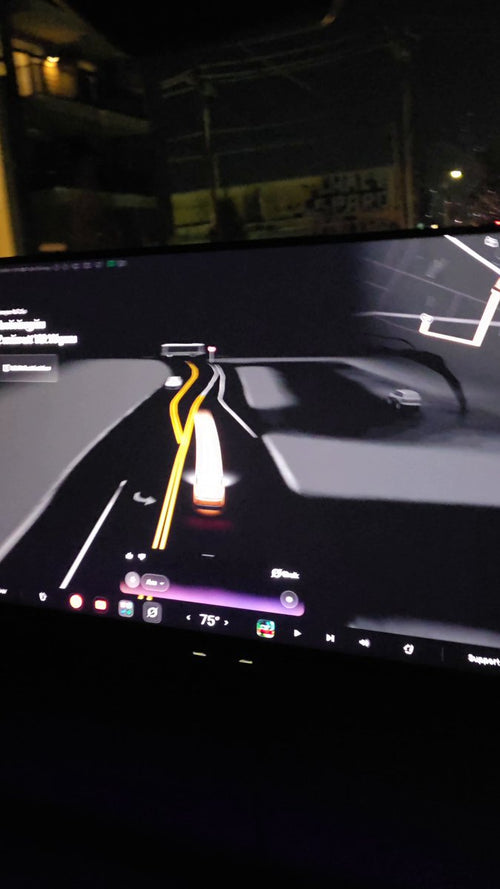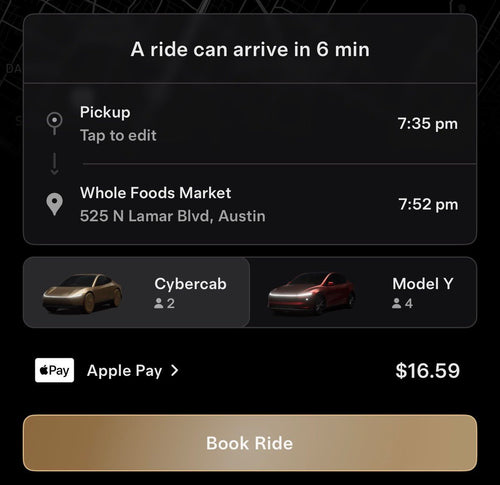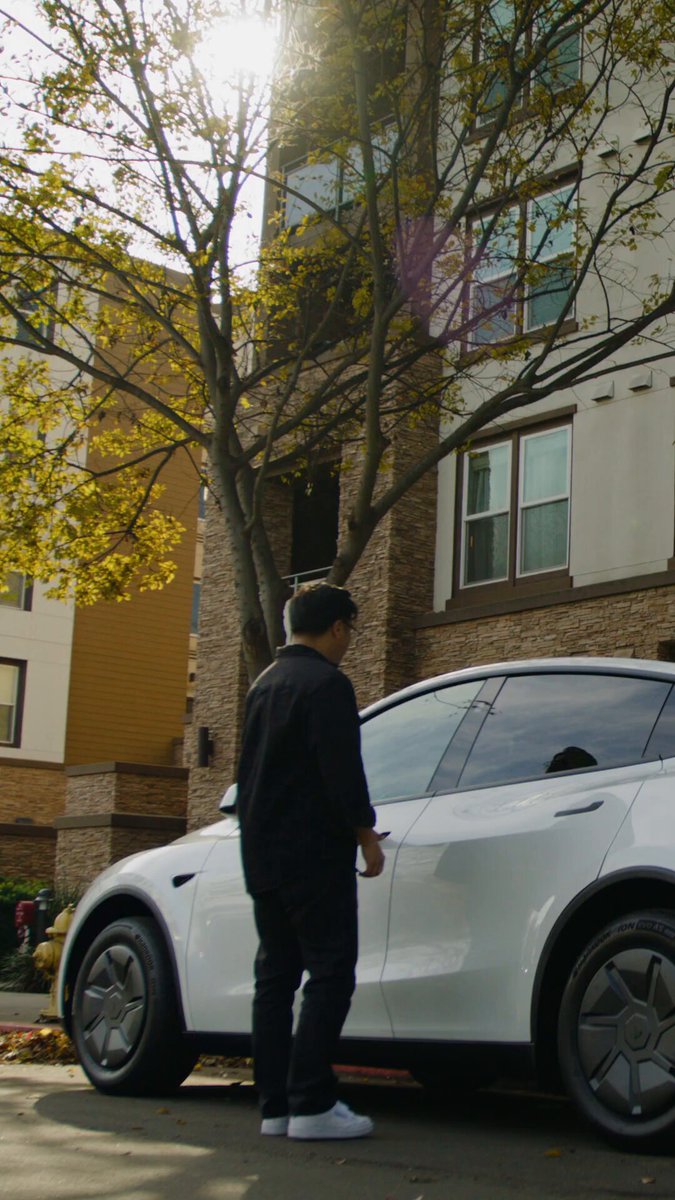
The News: Tesla published an official YouTube video titled "Over-the-Air Software Updates," walking owners through exactly how OTA updates are downloaded, installed, and managed.
Why It Matters: Most Tesla owners have never dug into their update settings — and a single preference change can get you new features weeks before everyone else.
Source: @TeslaNewswire on X

What Tesla's OTA Video Actually Covers
Tesla's official video — published to its YouTube channel on February 12, 2026 — is a focused explainer designed to demystify the over-the-air update process for everyday owners. It's not a product announcement or a teaser. It's a practical how-to, and it covers four core areas:
- Downloading an update — how the update arrives on your car wirelessly
- Installing an update — what happens during the installation window and what to expect
- Adjusting software update preferences — the setting most owners have never touched
- Accessing release notes — where to find what actually changed after an update installs
If you've owned a Tesla for years and assumed updates just happen automatically, this video will likely show you something you didn't know. The update preference setting in particular is one of the most underused features in the entire Tesla ecosystem.
📊 The One Setting That Changes Everything
| Preference | What It Means | Who Should Use It |
|---|---|---|
| ADVANCED | Receive updates as soon as they're available for your car | Early adopters, enthusiasts, anyone who wants new features first |
| STANDARD | Updates roll out gradually — your car may wait weeks | Owners who prefer a more stable, widely-tested release |
Note: The ADVANCED/STANDARD preference toggle requires software update 2019.16 or later. All modern Tesla vehicles qualify.
🚦 Owner's Action Plan
Verdict: Recommended
Takes 2 minutes. Potentially gets you features weeks earlier.
- Watch the video — Especially if you've never manually checked for an update or read release notes. It's short, official, and genuinely useful. Find it on Tesla's YouTube channel under "Over-the-Air Software Updates."
- Check your update preference — On your Tesla touchscreen, go to Controls → Software. Look for the Software Update Preference field. If it says STANDARD, consider switching to ADVANCED.
- Connect to Wi-Fi when parked at home — OTA updates download over Wi-Fi. If your car isn't regularly connecting to your home network, you may be missing updates. Go to Controls → Wi-Fi to verify your network is saved and connected.
- Read your release notes after every update — Tap the version number in Controls → Software to see the full list of what changed. You'd be surprised how many features owners never discover because they skip this step.
- Schedule updates for off-peak hours — You can set a preferred update time so installation doesn't interrupt your morning departure. This is covered in the video and configured in the same Software menu.
📰 Deep Dive
Tesla's decision to publish this video isn't arbitrary. As the fleet grows and the software becomes more complex — particularly with FSD capabilities and AI-driven features rolling out regularly — there's a real education gap between what Tesla's software can do and what the average owner actually knows about. A polished explainer video is a low-cost, high-reach way to close that gap.
What's worth noting is the specific emphasis on preferences and release notes. Tesla has historically been quiet about the mechanics of its rollout process. The fact that they're now explicitly teaching owners how to opt into faster updates signals that they want a more engaged, informed user base — and that the ADVANCED tier is a real differentiator, not just a buried setting.
For owners tracking all software updates, this video is essentially the official primer. It won't tell you what's in the next update, but it ensures you're positioned to receive it — and understand it — as quickly as possible. That's the kind of foundational knowledge that pays off every time a major release drops.
Related Gear
Gear up your Tesla with tested, custom-fit BASENOR accessories — shop Tesla accessories →
Sources & reporting notes
The links below identify the material source records used for this report.
- @TeslaNewswire on X (2026-03-21T18:23:13.000Z) — Direct source
Source links are preserved as published or accessed. See our editorial standards and corrections policy.
The BASENOR Editorial Desk covers Tesla, SpaceX, and related technology, curating reporting from primary sources — official accounts, regulatory filings, and software release data. Every article passes source-record and fact-checking review before publication. About the newsroom.
This report was curated by the BASENOR Editorial Desk from the sources listed above. Read our editorial standards or email editorial@basenor.com to report an error.