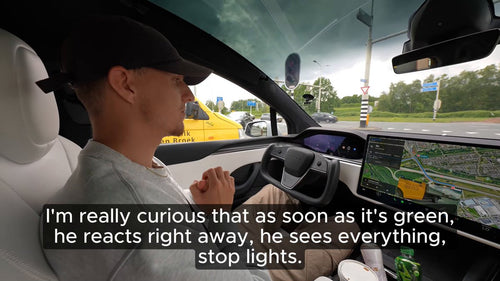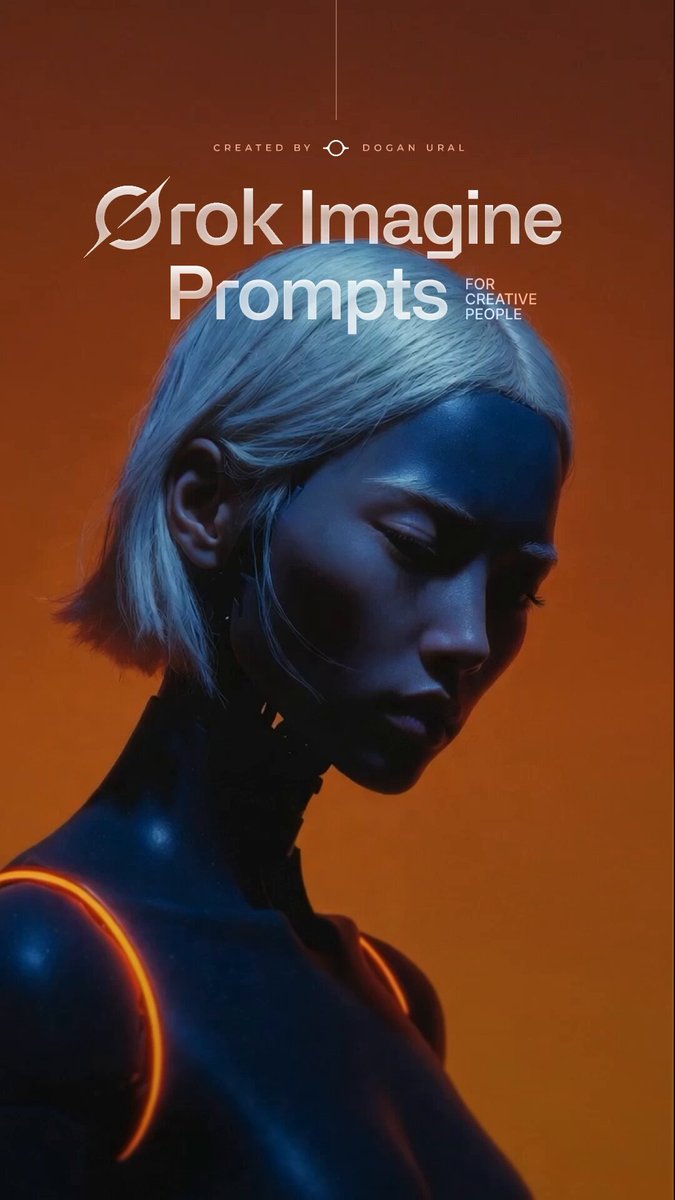
The News: Elon Musk shared a how-to for Grok Imagine's video creation feature, signaling it's ready for mainstream use.
Why It Matters: Grok Imagine 1.0 — now with AI video generation, synchronized audio, and a developer API — is a direct competitor to leading AI video tools, and it's accessible to anyone on X Premium.
Source: @elonmusk on X
Grok Imagine Can Now Make Videos: Here's How to Use It
Elon Musk just pointed his 200M+ followers at one of xAI's most significant capability upgrades yet. Grok Imagine — the AI creative suite built into Grok — can now generate videos, and Musk's post this morning was essentially a public launch signal for the feature. If you haven't tried it yet, here's everything you need to know to get started.

📊 What Grok Imagine 1.0 Can Do
| Capability | Spec | Notes |
|---|---|---|
| Video Length | Up to 10 seconds | Per generation |
| Resolution | 720p | HD quality output |
| Frame Rate | 24 fps | Cinematic standard |
| Audio | Synchronized | Background music, dialogue, singing |
| API Access | Available | Launched January 28, 2026 |
| Version | Grok Imagine 1.0 | Officially launched early February 2026 |
🚦 Owner's Action Plan
RECOMMENDED — Worth trying today if you're on X Premium
- Check your access. Grok Imagine is available to X Premium subscribers. Open x.com or the X app and look for the Grok icon in the navigation.
- Open Grok and select 'Imagine'. Inside the Grok interface, switch to the Imagine tab. This is where both image and video generation live.
- Write a descriptive prompt. Be specific — include subject, action, setting, mood, and any audio cues you want. The more detail, the better the output. Example: 'A red Tesla Cybertruck driving through a neon-lit city at night, cinematic, with ambient electronic music.'
- Select video output. Choose the video generation option (not static image). Grok Imagine 1.0 will generate a clip up to 10 seconds at 720p/24fps with synchronized audio.
- Review and iterate. First generations may need refinement. Adjust your prompt based on the output — specificity in motion descriptions tends to improve results significantly.
- Developers: explore the API. If you're building creative tools, the Grok Imagine API (launched January 28, 2026) provides end-to-end workflow access including video generation and editing endpoints.
📰 Deep Dive
Grok Imagine's journey to video is worth understanding in context. xAI launched the Imagine feature in August 2025 focused on image generation. By October 2025, version 0.9 introduced synchronized audio to video clips — a technically difficult problem that most early AI video tools handled poorly. The official 1.0 launch in early February 2026 brought those capabilities to a stable, production-ready state with a public API to match.
What makes today's moment different is distribution. Musk's post — which hit 368,000+ views within hours — functions as a product spotlight for an audience that may have missed the February launch. For the xAI ecosystem, this is how features go from 'available' to 'widely adopted.' The timing also matters: Grok Imagine 1.0 enters a crowded AI video market, but it has a built-in advantage in that it lives natively inside X, where content is already created and shared.
The current specs — 10 seconds, 720p, 24fps, synchronized audio — are competitive for a 1.0 release. Synchronized audio in particular is a meaningful differentiator; generating dialogue and music that actually matches on-screen action is harder than it looks, and it's been a consistent weakness in rival tools. For Tesla owners who use Grok for trip planning, voice queries, or general AI assistance, Imagine represents xAI expanding its footprint into creative workflows that were previously the domain of standalone apps.
Whether video generation becomes a core use case for the average Grok user remains to be seen. But the API launch in January signals xAI's intent: they want third-party developers building on top of Imagine, which typically accelerates adoption far faster than any first-party feature push. Keep an eye on what the developer community builds with these endpoints over the next few months.
Related Gear
Gear up your Tesla with tested, custom-fit BASENOR accessories — shop Tesla accessories →
Sources & reporting notes
The links below identify the material source records used for this report.
- @elonmusk on X (2026-03-09T00:26:20.000Z) — Direct source
Source links are preserved as published or accessed. See our editorial standards and corrections policy.
The BASENOR Editorial Desk covers Tesla, SpaceX, and related technology, curating reporting from primary sources — official accounts, regulatory filings, and software release data. Every article passes source-record and fact-checking review before publication. About the newsroom.
This report was curated by the BASENOR Editorial Desk from the sources listed above. Read our editorial standards or email editorial@basenor.com to report an error.