📌 UPDATE — May 24, 2026
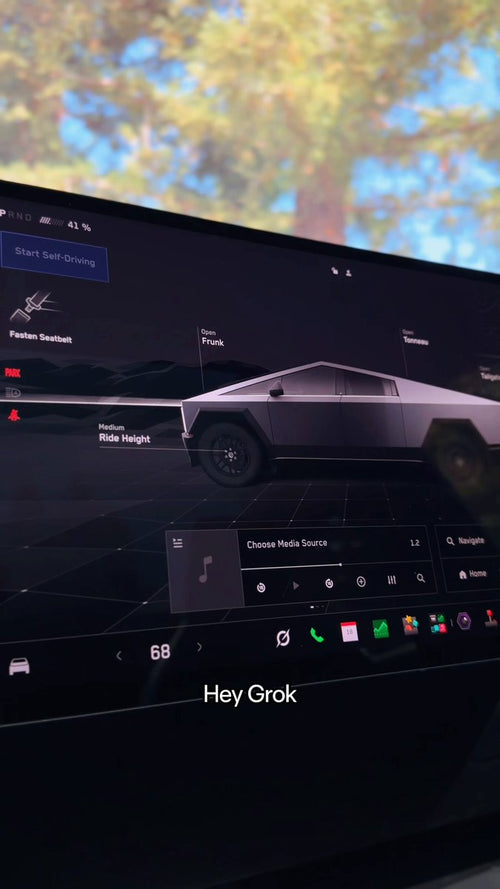
Tesla has officially highlighted a new travel guide use case for Hey Grok: while exploring new locations, drivers can ask Grok about geological features, local history, and nearby points of interest — all hands-free via voice command. Tesla confirmed this directly on X, positioning Grok as an in-car companion for curious explorers, not just a general assistant. This expands the practical day-to-day value of Hey Grok beyond navigation and vehicle controls into real-time, location-aware discovery.

— @Tesla on X, May 24, 2026
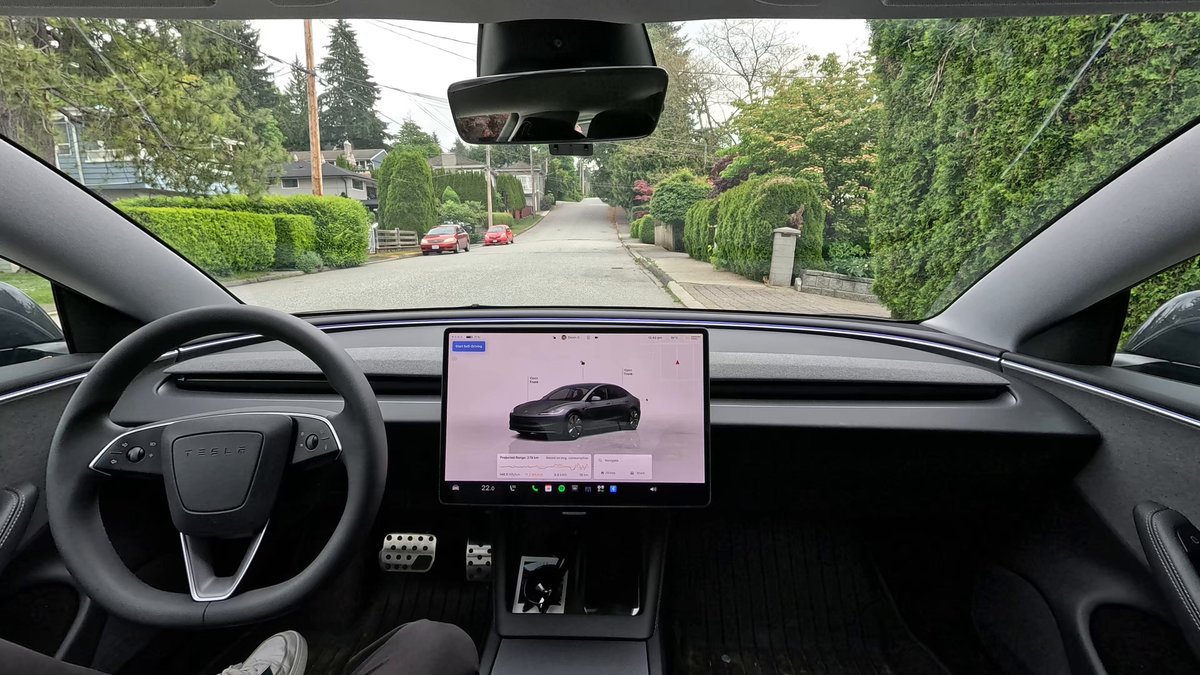
Tesla has officially launched hands-free voice activation for Grok inside your vehicle. Say 'Hey Grok' to open a conversation with the AI assistant, and 'Goodbye' to dismiss it — no touchscreen tap required. The feature is part of Tesla's Spring Update 2026 and is rolling out now to compatible vehicles.

How to Enable Hey Grok
The feature is opt-in, not on by default. Here's how to turn it on:
- In your Tesla, open the Grok app from the main screen.
- Tap Settings inside the Grok interface.
- Enable the Hey Grok wake word option.
- Once active, say 'Hey Grok' from anywhere in the cabin to start a conversation. Say 'Goodbye' when you're done.

What You Can Actually Do With It
Once activated, Grok can handle a range of conversational and navigation tasks. You can ask it to set a destination, adjust your route, or find points of interest nearby. It also supports location-based reminders — for example, 'Remind me to pick up groceries when I'm near home.'
What Grok still cannot do: control climate settings, manage media playback, or intervene in Full Self-Driving decisions. Think of it as a capable co-pilot for information and navigation, not a replacement for the main vehicle controls. For a full breakdown of what Grok can handle by voice, check out our complete voice commands list.
Which Vehicles Are Supported
Hey Grok requires an AMD processor (Hardware 4 / AI4), which means it's available on:
- Model S, Model 3, Model X, Model Y, and Cybertruck — with HW4/AI4 only
- Software version 2025.26 or later for basic Hey Grok functionality
- Software version 2025.44.25 or later for navigation commands via voice
Owners on Hardware 3 or older Intel-based vehicles are not supported at this time. You'll also need either a Premium Connectivity subscription or a stable Wi-Fi connection for Grok to function.
If you're unsure which hardware your car has, go to Controls > Software > Additional Vehicle Information — it's listed there.
Editor's View
Hands-free AI activation is a meaningful step toward making Grok genuinely useful on the road rather than a novelty you tap into at a stoplight. The limitation list — no climate, no media, no FSD influence — is still long, but the navigation and reminder capabilities are practical enough to build a real habit around. Whether Tesla expands Grok's control scope in future updates will be the real test of how seriously they're treating this integration.
📋 Tracking Tesla software? See every firmware, FSD and app version in one place in our Tesla Software Update Tracker.
Related Gear
Gear up your Tesla with tested, custom-fit BASENOR accessories — shop Tesla accessories →
Sources & reporting notes
The links below identify the material source records used for this report.
- @Tesla on X (2026-05-20T16:17:53.000Z) — Direct source
- @Tesla on X (2026-05-20T16:17:53.000Z) — Direct source
- @Tesla on X (2026-05-24T19:57:28.000Z) — Direct source
Source links are preserved as published or accessed. See our editorial standards and corrections policy.
The BASENOR Editorial Desk covers Tesla, SpaceX, and related technology, curating reporting from primary sources — official accounts, regulatory filings, and software release data. Every article passes source-record and fact-checking review before publication. About the newsroom.
This report was curated by the BASENOR Editorial Desk from the sources listed above. Read our editorial standards or email editorial@basenor.com to report an error.