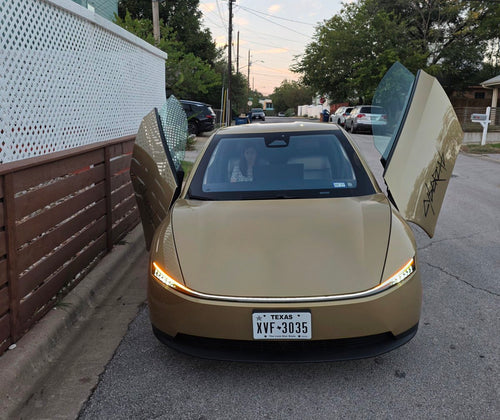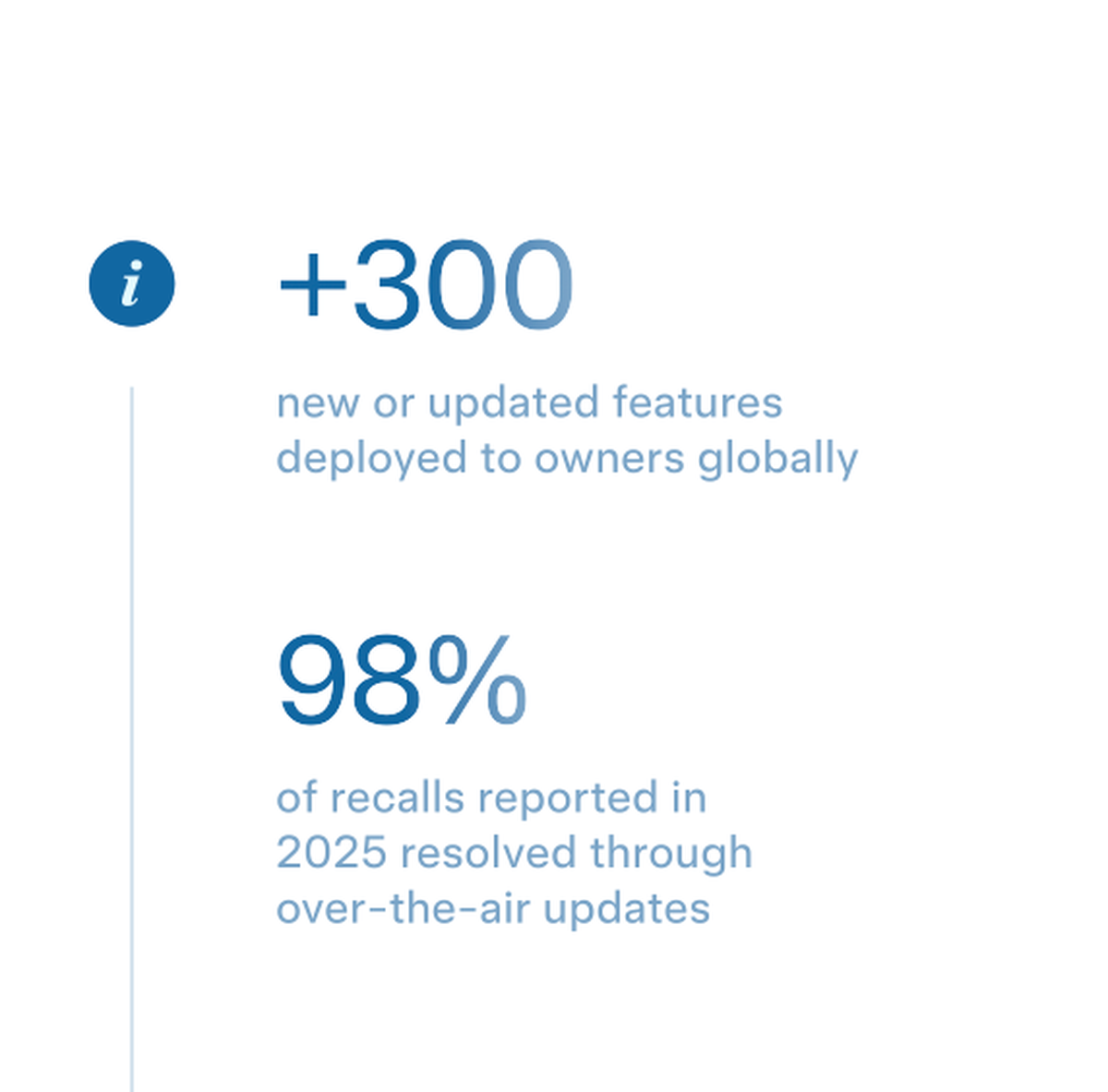
Tesla resolved 98% of its vehicle recalls in 2025 through over-the-air software updates — no dealer visit, no service appointment, no waiting room. That figure, shared by Whole Mars Catalog on X, underscores how fundamentally different Tesla's approach to safety compliance has become compared to the traditional auto industry.

Why This Number Matters
In the traditional auto industry, a recall means a letter in the mail, a call to schedule a dealer appointment, and a half-day out of your schedule — often for a fix that takes a technician 20 minutes to apply. Compliance rates suffer as a result. Owners forget, delay, or simply never show up.
Tesla's OTA model flips that entirely. When a software-addressable safety issue is identified, Tesla can push a fix directly to affected vehicles fleet-wide, often overnight. The 98% resolution rate for 2025 reflects how effective that pipeline has become. For context, the NHTSA has historically noted that traditional recall completion rates can hover well below 80% for older vehicles, and even new-model recalls frequently see owners skip the fix entirely.
For Tesla owners, the practical implication is significant: your car is almost certainly already patched for any software-related safety issue that emerged last year — whether you noticed the update or not.
How to Confirm Your Vehicle Is Up to Date
Even though OTA updates install automatically, it's worth taking two minutes to verify your car received everything it should have. Here's how:
- Check your current software version. On your touchscreen, tap the Tesla 'T' logo at the top center of the screen. Your current software version appears in the top-right corner of the panel that opens.
- Check for pending updates. Go to Controls > Software. If an update is available, you'll see it listed here with an option to schedule installation. If the field shows your current version with no pending update, you're current.
- Review your update history. In the Tesla mobile app, navigate to Software under your vehicle. Recent updates are listed with their version numbers and release dates.
- Verify your Wi-Fi connection at home. Tesla pushes most updates over Wi-Fi. Go to Controls > Wi-Fi and confirm your home network is saved and connected. Updates over LTE are possible but slower and less reliable for large packages.
- Check your NHTSA recall status. Visit nhtsa.gov/recalls and enter your VIN (found on your touchscreen under Controls > Software > Additional Vehicle Information). This shows every open or closed recall on record for your specific vehicle — including confirmation that OTA-resolved recalls are marked complete.
What Happens When a Recall Can't Be Fixed OTA
The remaining 2% of 2025 recalls required a physical service visit — typically for hardware-related issues that software simply cannot address. If your vehicle falls into that category, Tesla's process is straightforward: you'll receive a notification in the Tesla app and an email directing you to schedule a service appointment. The app will flag the open recall under Service > Recall, and in most cases mobile service technicians can handle the repair at your home or workplace without you needing to visit a service center.
If you haven't checked your recall status recently, now is a good time. A two-minute VIN lookup on NHTSA's site confirms whether anything is still open on your car — OTA-resolved or otherwise.
Related Gear
Gear up your Tesla with tested, custom-fit BASENOR accessories — shop Tesla accessories →
Sources & reporting notes
The links below identify the material source records used for this report.
- @wholemars on X (2026-07-07T18:04:43.000Z) — Direct source
Source links are preserved as published or accessed. See our editorial standards and corrections policy.
The BASENOR Editorial Desk covers Tesla, SpaceX, and related technology, curating reporting from primary sources — official accounts, regulatory filings, and software release data. Every article passes source-record and fact-checking review before publication. About the newsroom.
This report was curated by the BASENOR Editorial Desk from the sources listed above. Read our editorial standards or email editorial@basenor.com to report an error.