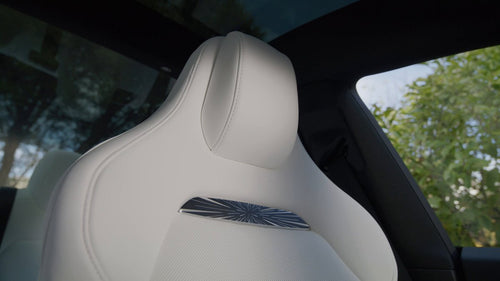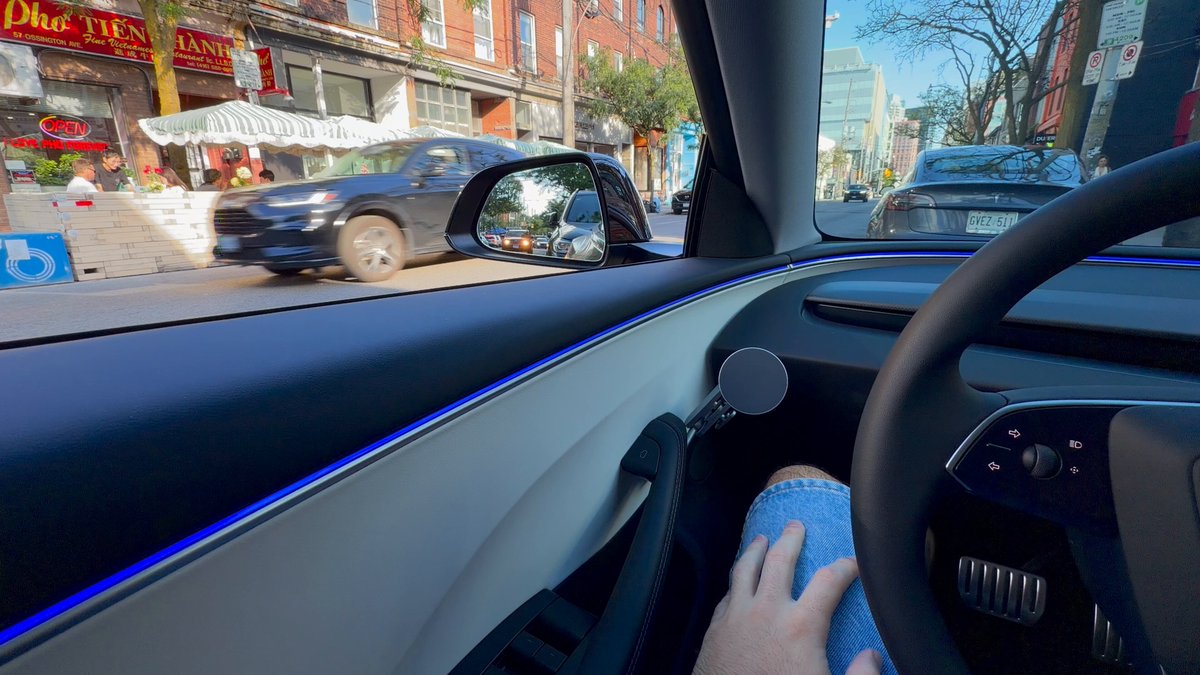
Tesla has spotlighted one of its quieter safety wins: dooring protection comes standard on every Tesla. The feature — officially called Blind Spot Warning While Parked — uses the car's existing cameras and neural network to detect approaching cyclists, pedestrians, or vehicles and stop you from swinging a door into their path. If you own a Tesla and haven't thought much about this system, here's what it's doing for you every time you park.

How the System Actually Works
The hardware doing the work here isn't new — it's Tesla's side-repeater and B-pillar cameras, already mounted on every car, now tasked with a new job when you're parked. The Tesla Vision neural network processes the camera feed in real time and flags anything approaching your door zone: a cyclist in the bike lane, a car pulling up alongside you, a pedestrian cutting through.
When a threat is detected as you go to exit, the system fires two simultaneous warnings:
- Visual: A rapidly flashing blind spot indicator light, or a red LED in the front speaker area depending on your model
- Audible: An alert tone inside the cabin
Critically, the door itself won't open on the first press of the electronic release button if an object is detected. That's not a glitch — it's intentional. A second, firm press overrides the lockout and releases the latch, keeping humans in control while eliminating the most common cause of accidental dooring.
Which Teslas Have It
The feature rolled out in stages. According to verified reports, here's where things stand:
| Model | When It Arrived | Via |
|---|---|---|
| Model 3 Highland | 2024 | Hardware launch |
| Cybertruck | March 17, 2026 | OTA 2026.8 |
| New Model Y | ~June 30, 2026 | OTA 2026.20.6 |
| Model S (2021+) | ~June 30, 2026 | OTA 2026.20.6 |
| Model X (2021+) | ~June 30, 2026 | OTA 2026.20.6 |
How to Confirm It's Active on Your Car
The feature should be on by default, but it's worth a 30-second check — especially if you recently received a software update and want to verify the setting carried over.
- Open Controls on your touchscreen
- Go to Safety
- Look for Blind Spot Warning While Parked (or Dooring Protection, depending on your software version)
- Confirm the toggle is On
If you don't see the setting, check that your car is running software 2026.8 or later (Cybertruck) or 2026.20.6 or later (Model Y, S, X). Go to Software in Controls and tap Check for Updates if you're behind.
What to Do When It Triggers
The first time this system fires, it can be startling. Here's what to expect and how to respond:
- Door won't open on first press? That's the system working. Pause, glance at the warning indicator, and wait for the object to pass.
- Need to exit urgently? A second firm press overrides the lockout. The door will open — you always have final control.
- Alert triggered but nothing visible? The camera may have detected something in your blind spot that you genuinely can't see from the seat. Trust it and look again before exiting.
- Passengers in the back? The system covers rear doors too. Brief your passengers — especially kids — so they don't repeatedly press the release and override the warning without understanding why it fired.
Dooring incidents account for an estimated 10–20% of bike-related crashes in major cities, according to safety data cited by Tesla. That's a meaningful number for a hazard most drivers rarely think about. The fact that this protection now runs silently in the background on every parked Tesla — no subscription, no activation required — is the kind of feature that earns its keep the one time it matters.
Related Gear
Gear up your Tesla with tested, custom-fit BASENOR accessories — shop Tesla accessories →
Sources & reporting notes
The links below identify the material source records used for this report.
- @Tesla on X (2026-07-31T00:34:25.000Z) — Direct source
Source links are preserved as published or accessed. See our editorial standards and corrections policy.
The BASENOR Editorial Desk covers Tesla, SpaceX, and related technology, curating reporting from primary sources — official accounts, regulatory filings, and software release data. Every article passes source-record and fact-checking review before publication. About the newsroom.
This report was curated by the BASENOR Editorial Desk from the sources listed above. Read our editorial standards or email editorial@basenor.com to report an error.