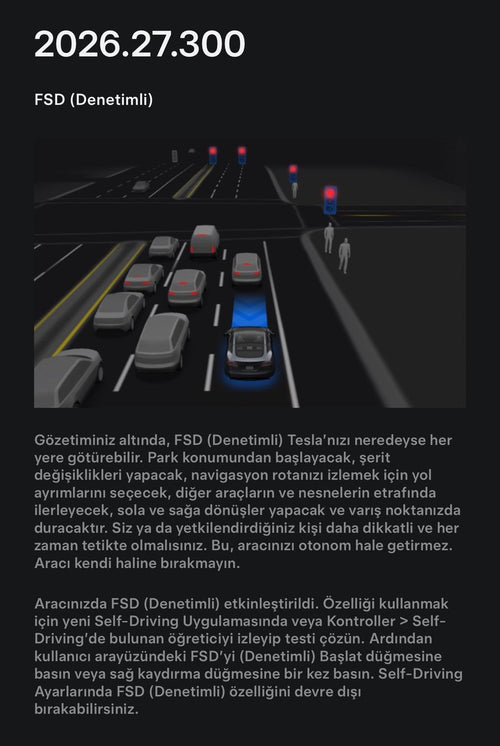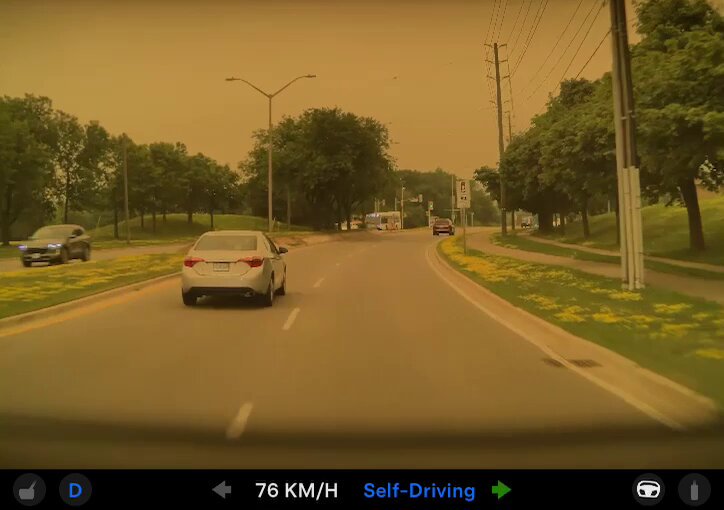
A video circulating on X shows a Tesla operating on Full Self-Driving appearing to run a red light, reigniting a familiar debate about how much trust owners should place in FSD — and how closely they need to be watching. The clip, shared by Electrek's Fred Lambert on July 16, 2026, has drawn both concern and pushback, with some commenters disputing whether the light was actually red at the moment the vehicle entered the intersection.

What's notable isn't just the incident itself — it's what Lambert pointed out next.

The disagreement in the comments — some viewers insisting the light wasn't red, others saying it clearly was — reflects a dynamic that comes up repeatedly with FSD incidents: the interpretation of what the system did, and whether it was wrong, often becomes contested ground. Lambert's framing is blunt: the intersection is visible, the light is red, the car proceeds.
What 'Mad Max' Mode Actually Means
Tesla's FSD profile settings let drivers choose how aggressively the system behaves. The "Assertive" profile — colloquially known as "Mad Max" among Tesla owners — is the most aggressive option. It follows more closely, changes lanes more frequently, and is generally less conservative at intersections than the "Chill" or "Average" profiles. It is not a mode designed to ignore traffic signals, but its assertive behavior at intersections leaves less margin for error, particularly in ambiguous signal timing situations.
That context matters here. The video doesn't show FSD deliberately ignoring a red light in a clear-cut scenario — but it does show the system making a call at an intersection that, on the available evidence, appears to have been the wrong one.
What Owners Should Do Right Now
This incident is a useful reminder that FSD, regardless of version or profile setting, still requires an attentive driver behind the wheel. Here's what to check and adjust if you're using FSD regularly:
- Review your FSD profile setting. Go to Controls > Autopilot > Customize Autopilot and check which profile is active. If you're using Assertive, understand that the system will make tighter calls at intersections. Consider switching to Average if you're in dense urban traffic or unfamiliar areas.
- Stay visually engaged at every intersection. FSD does not guarantee correct signal detection in all conditions — lighting, sun glare, partially obscured signals, and unusual intersection geometry can all affect performance. Keep your eyes on the light, not the screen.
- Keep your hands ready to intervene. Tesla's own guidance requires the driver to be prepared to take control at any moment. At intersections specifically, your foot should be positioned to brake immediately if the car begins to proceed on a red.
- Report the incident through the app. If FSD makes a mistake while you're driving, use the voice command "Report" or tap the horn icon on the steering wheel immediately after the event. This sends a timestamped clip to Tesla for review. Early, accurate reporting is how these edge cases get addressed in future updates.
- Check for pending software updates. Go to Controls > Software and confirm your car is on the latest available version. Tesla pushes FSD behavioral fixes through OTA updates, and staying current is the simplest way to benefit from ongoing improvements.
The Bigger Picture
FSD has improved substantially over successive versions, and red-light compliance is generally reliable in straightforward conditions. But "generally reliable" is not the same as infallible, and incidents like this one are a reminder that the technology is still supervised autonomy — not full autonomy. The driver is legally responsible for the vehicle's actions regardless of what the software decided.
The debate playing out in Lambert's replies — whether this even counts as running a red light — is a distraction from the more useful question: if you were in that seat, would you have caught it in time to brake? That's the standard FSD still requires owners to meet on every trip.
Related Gear
Gear up your Tesla with tested, custom-fit BASENOR accessories — shop Tesla accessories →
Sources & reporting notes
The links below identify the material source records used for this report.
- @FredLambert on X (2026-07-16T18:06:10.000Z) — Direct source
- @FredLambert on X (2026-07-16T18:07:25.000Z) — Direct source
Source links are preserved as published or accessed. See our editorial standards and corrections policy.
The BASENOR Editorial Desk covers Tesla, SpaceX, and related technology, curating reporting from primary sources — official accounts, regulatory filings, and software release data. Every article passes source-record and fact-checking review before publication. About the newsroom.
This report was curated by the BASENOR Editorial Desk from the sources listed above. Read our editorial standards or email editorial@basenor.com to report an error.