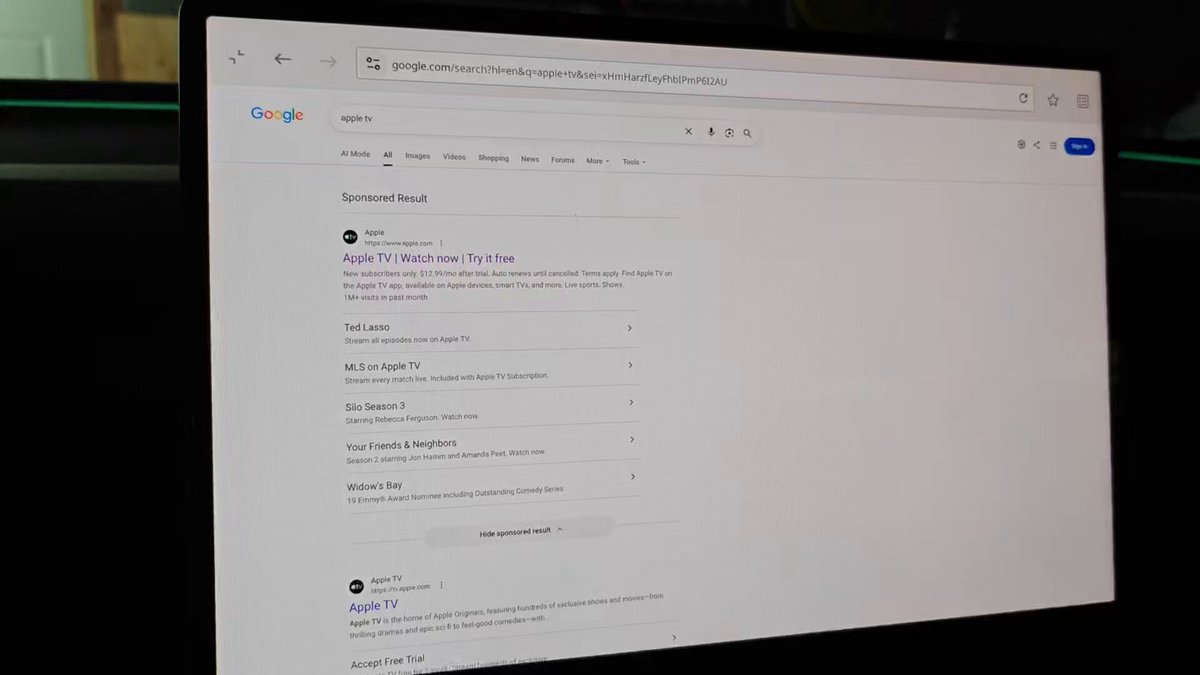
Tesla Theater just got a quiet upgrade that most owners haven't noticed yet. Opening Apple TV through the vehicle's built-in web browser now triggers a full-screen Theater mode launch — no workarounds, no third-party tools required. Tesla hasn't announced it, but the behavior is real and reproducible.

1. This is undocumented — Tesla hasn't said a word about it
There's no official release note, no Tesla blog post, and no in-car prompt pointing owners toward this behavior. The discovery came from community testing reported by @TeslaNewswire. That makes it an undocumented change — something Tesla appears to have quietly enabled server-side or through a recent software build without a formal changelog entry. Until Tesla confirms it, treat this as a found feature rather than a guaranteed permanent one.
2. How it actually works
The trigger is simpler than it sounds. While parked, open the Tesla browser and navigate to tv.apple.com. Instead of rendering the site as a standard browser tab, the system now recognizes the Apple TV web app and hands it off to Tesla Theater, launching it in full screen automatically. You'll still need to sign in with your Apple ID if you haven't already. From there, the full Apple TV+ library — including originals, purchased content, and any active subscriptions — is accessible in a proper cinematic layout on the center screen.
3. This is different from what owners used to do
Previously, getting Apple TV+ to fill the screen required either using the browser's manual full-screen toggle or navigating to third-party wrapper sites like fullscreentesla.com or abettertheatre.com. Those workarounds worked, but they added friction and occasionally broke with browser updates. The new behavior skips that entirely — the Theater handoff appears to happen automatically on page load, which is a meaningful quality-of-life change for anyone using their Tesla as a portable movie setup during charging stops or while waiting.
4. This is not a native app or CarPlay — the distinction matters
It's worth being precise here. Tesla still does not have a native Apple TV app, and Apple CarPlay remains unsupported across the lineup. What's changed is how the browser handles the Apple TV web app specifically — it now routes it through Theater rather than rendering it as a standard webpage. Think of it as a smart redirect rather than a full integration. That means it depends on the Apple TV web app staying functional at tv.apple.com, and any changes Apple makes to that site could affect the experience. It's a clever bridge, but it's not the same as a dedicated app partnership.
5. Recent software context suggests Apple integration is expanding
This discovery doesn't exist in a vacuum. According to background research, Tesla's 2026.26.1 update — rolled out in August 2026 — added improvements to Apple Music integration, including the ability to queue songs directly from search results and artist pages. The same update also included references to Apple AirPlay in the codebase, which has not yet fully shipped. Taken together, the pattern suggests Tesla is incrementally deepening its Apple ecosystem ties, with each update adding another layer. The Theater handoff for Apple TV fits that trajectory, even if it arrived without fanfare.
Whether Tesla formally documents this behavior in a future release note or quietly expands it to other streaming services remains to be seen. For now, it works — and for owners who've been cobbling together full-screen Apple TV workarounds for years, that's enough to be worth knowing about.
Related Gear
Gear up your Tesla with tested, custom-fit BASENOR accessories — shop Tesla accessories →
Sources & reporting notes
The links below identify the material source records used for this report.
- @TeslaNewswire on X (2026-08-21T14:36:52.000Z) — Direct source
Source links are preserved as published or accessed. See our editorial standards and corrections policy.
The BASENOR Editorial Desk covers Tesla, SpaceX, and related technology, curating reporting from primary sources — official accounts, regulatory filings, and software release data. Every article passes source-record and fact-checking review before publication. About the newsroom.
This report was curated by the BASENOR Editorial Desk from the sources listed above. Read our editorial standards or email editorial@basenor.com to report an error.