30-Second Brief
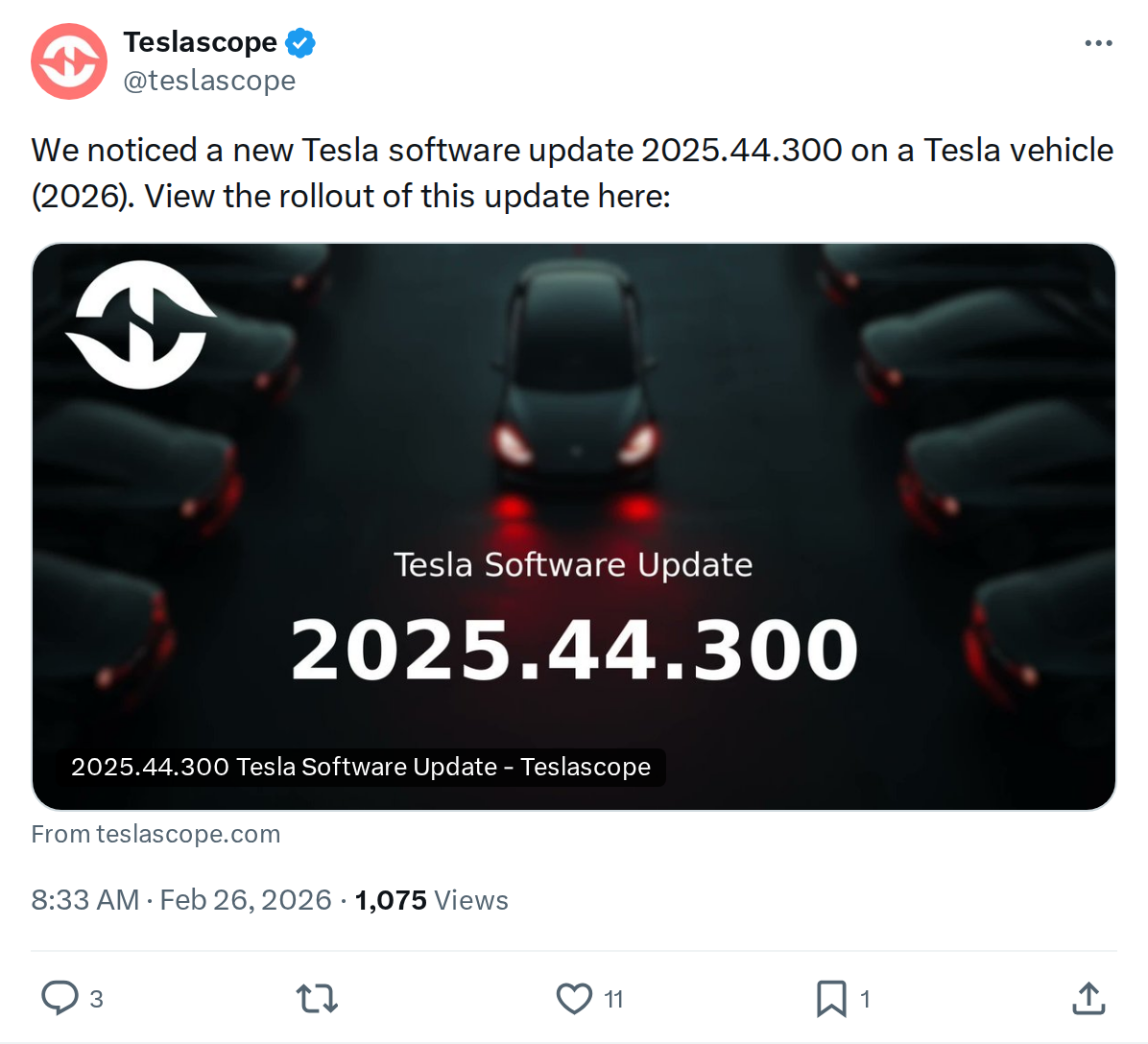
The News: Tesla software update 2025.44.300 has been detected on a 2026 model year vehicle, confirming the branch is now reaching newer hardware configurations.
Why It Matters: This point release carries the full 2025.44 feature set — including FSD v14.2.1.25, a revamped Dashcam Viewer, and a stack of quality-of-life improvements — plus minor fixes specifically targeting AP4/Ryzen-equipped cars.
Source: @teslascope on X

📊 What Changed in 2025.44.300
Version 2025.44.300 is a point release within the 2025.44 software branch, officially carrying Tesla's designation of "minor fixes and improvements." But because it's built on the full 2025.44 foundation, any vehicle receiving it for the first time gets the entire feature payload from that branch. Here's every confirmed change:
| Change | Type | Models |
|---|---|---|
| Minor Fixes and Improvements — Point-release stability and bug fixes | Official | All |
| Dashcam Viewer Update — Speed, steering angle & FSD state overlaid in clips; grid view; 15-sec jump; higher-res mobile stream; street names in events | Official | All (Premium Connectivity + App v4.51.5+ required) |
| Full Self-Driving (Supervised) v14.2.1.25 — Upgraded neural network vision encoder; Arrival Options for parking; improved emergency vehicle handling; real-time blocked road navigation; customizable Speed Profiles | Official | FSD-equipped vehicles |
| Navigation Improvements — Reorder favorites, drop-pin Home/Work, suggested destinations based on habits | Official | All |
| Automatic HOV Lane Routing — Navigation can auto-route through HOV/carpool lanes based on time, passengers & restrictions (Controls > Navigation > Use HOV) | Official | All |
| Save Charge Limit by Location — Set a per-location charge limit; applied automatically next time you charge there (Controls > Charging) | Official | All |
| Spotify Improvements — Queue tracks from search; scroll large playlists/albums/podcasts; playlist folders; expanded artist pages; Recently Played shelf; faster login via Tesla app notification | Official | All |
| Dog Mode Live Activity — Mobile alert if a cabin door is left open while Dog Mode is active | Official | All |
| Charging Data Sharing — Vehicle shares charging data with Tesla to power Charge Stats in the app (opt-in) | Official | All |
| Rave Cave Update — Accent lights sync to music beats during Rave Cave (App Launcher > Toybox > Light Sync) | Official | Vehicles with ambient lighting |
| Lock Sound Update — Tron Light Cycle — New Tron Mode Light Cycle option added to Boombox Lock Sound (App Launcher > Toybox > Boombox > Lock Sound) | Official | All |
| Improved Cabin Overheat Protection — Toggle to exclude home location from Cabin Overheat Protection / No A/C activation, saving energy | Official | All |
| New Left Scroll Wheel Functions — Quick access to Bioweapon Defense Mode, Mute Navigation, and Music Light Sync (press and hold left scroll wheel) | Official | All |
| Require Phone Key for Profile — Optional security setting requiring phone key before driver profile selection (Driver Profile Settings > Require Phone Key for Profile) | Official | All |
| Radio Traffic Announcements — Tap the traffic icon on Now Playing to toggle (initially limited to Model 3 Highland in select European regions) | Official | Model 3 Highland (select EU regions) |
| FSD Exit Ramp / Lane Issues (HW3 only) — Users on V12/HW3 report the 2025.44 map update causes FSD to miss exit ramps, confuse lane speeds, and attempt wrong freeway merges | 🔍 User-Reported Issue | HW3 vehicles only |
| Intel MCU — Reduced Feature Set — Owners with Intel-based MCUs report receiving significantly fewer new features from the 2025.44 branch compared to AMD Ryzen-based systems | 🔍 User-Reported | Older Intel MCU vehicles |
📡 Rollout Status
Rollout Progress — 2025.44.300
<0.2% of tracked fleet • First logged: January 28, 2026 • Source: @teslascope
Currently prioritizing 2026 Model Y (AP4 / Ryzen MCU) vehicles
Adoption is still in very early seeding territory. According to tracking data, 2025.44.300 was first logged on January 28, 2026, and has reached fewer than 0.2% of tracked vehicles as of now. The sighting confirmed by @teslascope is on a 2026 model year vehicle, consistent with reports that this release is specifically targeting newer AP4 and Ryzen MCU hardware first.
If you own a 2026 Model Y or another recently delivered AP4-equipped vehicle and haven't received this update yet, you're not alone — the distribution is intentionally narrow at this stage. For all software updates, Tesla typically widens the rollout over days to weeks once early telemetry is clean.
⚠️ Known Issues to Watch
HW3 / V12 FSD Map Issue
Multiple Reddit users on r/TeslaModelY have reported that the 2025.44 map update introduced FSD regressions on HW3 vehicles — specifically missed exit ramps, incorrect lane speed classification, wrong freeway merge attempts, and reduced yielding to motorcycles. If you're on HW3 and use FSD heavily, monitor your drives carefully after installation. Report any consistent issues via the in-car bug report (hold voice button + say "Bug report").
New Deliveries May Stay on 2025.44.300 Temporarily
Owners of newly delivered 2026 Model Y vehicles have noted on Reddit that their cars appear to be intentionally held on 2025.44.300 factory firmware for a period before receiving further OTA updates. This is not a malfunction — it's a standard Tesla practice for new production hardware.
🚦 Owner's Action Plan
📰 Deep Dive
The 2025.44.300 sighting on a 2026 vehicle is a significant signal for where Tesla's software distribution priorities sit right now. Point releases in the .300 range within a branch are almost always about hardware-specific stabilization — Tesla is stress-testing the 2025.44 feature payload on its newest AP4/Ryzen platform before unleashing a broader rollout. The fact that first-logging occurred as early as January 28, 2026 suggests Tesla has been quietly validating this build on new production units rolling off the line, rather than pushing it to the existing fleet at large.
The feature set itself is genuinely substantial. FSD Supervised v14.2.1.25's upgraded neural network vision encoder is the most technically significant inclusion — it underpins better object recognition across the entire driving stack, and the new Arrival Options for parking represent a meaningful step toward seamless end-to-end navigation. For daily drivers, the location-based charge limit and HOV lane auto-routing are the features most likely to produce an immediate change in how you use the car. The Dashcam Viewer improvements are long overdue, and the ability to see speed and steering inputs alongside footage will be invaluable for owners who review clips after an incident. Keep up with our our FSD coverage as v14.2.1.25 rolls wider.
One pattern worth tracking: the user reports of Intel MCU vehicles receiving "basically nothing" from 2025.44 reflects an accelerating hardware bifurcation in Tesla's fleet. As the company's software increasingly assumes Ryzen-level compute headroom, owners on older Intel-based systems will find the gap widening with each major branch. This isn't unique to 2025.44, but it's becoming more pronounced. If your vehicle is several years old and on an Intel MCU, it's worth factoring into your upgrade calculus over the next 12–18 months.
For new 2026 delivery owners seeing their car sit on 2025.44.300 without further updates: this is deliberate. Tesla regularly holds newly produced vehicles on factory firmware to gather telemetry from fresh hardware before pushing the next branch. It's not a bug, and it typically resolves within a few weeks of delivery as the production-telemetry picture stabilizes.
📋 Tracking Tesla software? See every firmware, FSD and app version in one place in our Tesla Software Update Tracker.
Related Gear
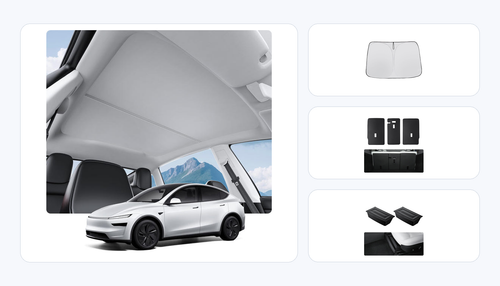
Gear up your Model Y with tested, custom-fit BASENOR accessories — shop Model Y accessories →
Sources & reporting notes
The links below identify the material source records used for this report.
- @teslascope on X (2026-02-26T00:33:06.000Z) — Direct source
Source links are preserved as published or accessed. See our editorial standards and corrections policy.
The BASENOR Editorial Desk covers Tesla, SpaceX, and related technology, curating reporting from primary sources — official accounts, regulatory filings, and software release data. Every article passes source-record and fact-checking review before publication. About the newsroom.
This report was curated by the BASENOR Editorial Desk from the sources listed above. Read our editorial standards or email editorial@basenor.com to report an error.