📌 UPDATE — July 5, 2026 🔍
A new, undocumented FSD-related feature has been spotted in 2026.20.6.1 — a point release beyond the 2026.20.6 covered in this article — currently rolling out exclusively to vehicles with AI3 hardware. The change isn't documented in any release notes; observers are only detecting it indirectly by watching whether SelfDrivingMiles increments in fleet telemetry data. Whole Mars Catalog notes that a dedicated boolean flag doesn't yet exist in fleet-telemetry to surface this cleanly, requiring reverse-engineering to confirm. Expect AI4 hardware support to follow, though no timeline has been given.

📌 UPDATE — July 3, 2026
Tesla has moved beyond 2026.20.6 with a point release: 2026.20.6.1 is now in its third rollout wave, reaching approximately 3,850 additional vehicles in the last few minutes according to Teslascope fleet data. The update carries minor fixes on top of 2026.20.6 and appears to be expanding steadily. If you were waiting on 2026.20.6, you may now receive 2026.20.6.1 directly instead.

📌 UPDATE — July 2, 2026
Tesla has moved beyond 2026.20.6 with a new point release: 2026.20.6.1 is now in its second rollout wave, pushing to approximately 2,200 additional vehicles in the last few minutes according to Teslascope fleet data. The update carries minor fixes on top of 2026.20.6 and is described as a stability and performance improvement. If you were already expecting 2026.20.6, your car may now be queued for .6.1 instead.


📌 UPDATE — July 2, 2026
Tesla has already pushed a follow-up release: 2026.20.6.1 is now rolling out to the fleet, just days after 2026.20.6 began its initial 1% rollout. Early tracking data from TeslaFi and NotATeslaApp shows approximately 230 installs so far with fleet coverage still near zero, indicating this is in the very earliest stages of distribution. The point release (.6 → .6.1) suggests Tesla identified a minor issue requiring a quick patch on top of the existing 2026.20.6 bug fix branch. 🔍 No official changelog has been published for 2026.20.6.1 yet — any specific changes beyond 2026.20.6 remain undocumented at this time.
📌 UPDATE — July 1, 2026
Tesla 2026.20.6 has expanded to a 3rd batch of vehicles and is now reaching approximately 6% of the fleet, up from the initial 1% rollout. The update continues to carry the same security improvements noted at launch, alongside the inherited 2026.20.3 feature Blind Spot Warning While Parked (new Model Y, 2021+ Model S/X) and partial Parental controls from the 2026.20 branch. No new feature additions have been confirmed in this expanded batch beyond the security fixes already documented.

📌 UPDATE — July 1, 2026
Tesla has launched the 3rd wave of the 2026.20.6 rollout as of today. Notably, this wave is confirmed to include security improvements — a detail not mentioned in earlier waves. This marks a broader push beyond the initial 1% bug-fix deployment, suggesting Tesla is gaining confidence in the build's stability. If you haven't received 2026.20.6 yet, now is a good time to check your Tesla app for a pending update.

📌 UPDATE — July 1, 2026
The 2026.20.6 rollout is picking up pace. Teslascope reports that approximately 1,650 additional vehicles received the update within a five-minute window this morning, signaling Tesla has moved beyond the initial 1% seeding phase and is pushing the build more broadly across the fleet. If you were waiting on the update after 2026.20.3, now is a good time to check your Tesla app for a pending install notification.

📡 @teslascope · July 1, 2026, 08:50 UTC
📌 UPDATE — June 29, 2026
A second rollout wave of 2026.20.6 is now underway, and this wave adds something new to the mix: security improvements not previously noted in the initial 1% push. If you were waiting on the first wave, now is a good time to check your Tesla app — the expanded rollout means more vehicles are eligible. The security enhancements are undocumented beyond the wave announcement, so details on exactly what was patched remain unclear. 🔍

Tesla began pushing software version 2026.20.6 on June 29, 2026 — and if your car is in that first 1% of the fleet, you may already have a notification waiting. The version is a bug fix release targeting issues introduced in 2026.20.3, which itself brought a handful of meaningful features to compatible vehicles.

What's in the 2026.20.x Branch
Version 2026.20.6 doesn't appear to introduce new user-facing features — it's a maintenance release. But since it's built on top of 2026.20.3, your car will carry the full set of features from that branch once updated. Here's what the 2026.20 release introduced, according to Tesla's official release notes:
| Change | Type | Models |
|---|---|---|
| Blind Spot Warning While Parked | Official | New Model Y, 2021+ S/X |
| Dashcam Clip Encryption | Official | All models |
| Parental Controls | Official | All models |
| Hey Grok Integration | Official | All models (Premium Connectivity or WiFi required) |
| Automatic Software Updates | Official | All models |
| Weather Maps Improvements | Official | All models (Premium Connectivity required) |
| Supercharger Pricing Filter | Official | All models (Online Routing required) |
| Security Improvements | Official | All models |
The Feature Worth Knowing: Blind Spot Warning While Parked
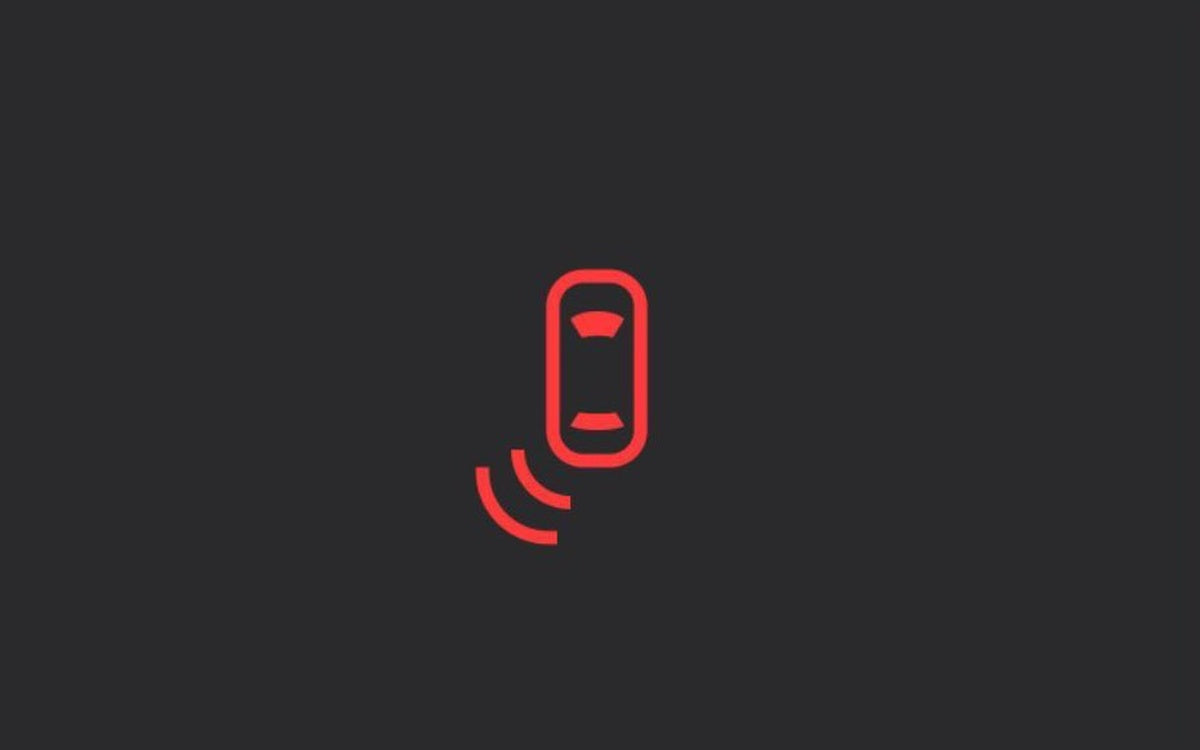
The standout addition from this branch is Blind Spot Warning While Parked — and it's more active than the name suggests. If you press the door-open button while a cyclist, pedestrian, or vehicle is approaching from behind in your blind spot, the blind spot indicator flashes, a chime sounds, and the door physically won't open on the first press. You have to press again to override. It's a genuine door-ding (and injury) prevention feature, and it's limited to newer Model Y hardware and 2021+ Model S and Model X vehicles.
Action Plan: Check Your Update and Enable New Settings
Once 2026.20.6 lands on your car, a few settings are worth checking manually — they're off by default:
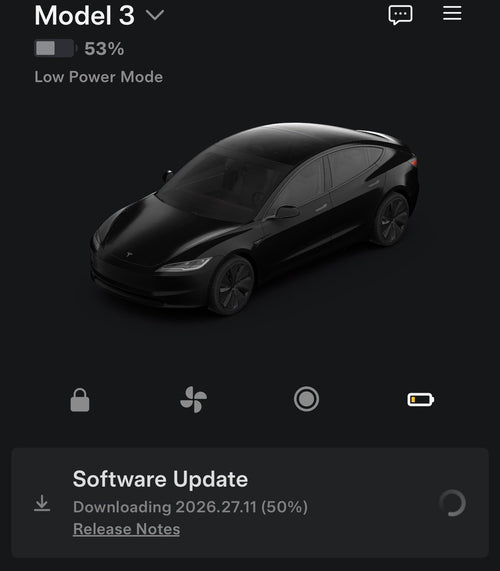
- Check for the update: Tap Controls > Software. If 2026.20.6 is available, you'll see a yellow clock icon. Schedule it or install now.
- Enable Automatic Updates: Controls > Software > Automatically Install Updates. This ensures future releases install overnight without you having to remember.
- Set up Parental Controls (if applicable): Controls > Safety > Parental Controls while in Park. Blocks Browser, Theater, and Arcade.
- Check Dashcam Encryption: Encryption is on by default for USB saves. To disable: Controls > Safety > Encrypt Dashcam Recordings. To decrypt existing clips, tap the padlock in the Dashcam app or visit dashcam.tesla.com.
- Try Hey Grok: App Launcher > Grok, or long-press the voice button, or say "Hey Grok." Requires Premium Connectivity or WiFi. Enable the wake word under Grok > Settings.
- Set Supercharger Pricing Filter: Controls > Navigation > Trip Planner settings. Useful if you want to avoid third-party-priced Supercharger locations.
Rollout is at roughly 1% of the fleet as of June 29 — so most owners are still waiting. Given this is a bug fix release, Tesla will likely push it broadly over the next several days. Keep an eye on your Software screen, or enable automatic updates and let it handle itself overnight. For the full history of what's shipped in this branch, check our all software updates coverage.
📋 Tracking Tesla software? See every firmware, FSD and app version in one place in our Tesla Software Update Tracker.
Related Gear
Gear up your Model Y with tested, custom-fit BASENOR accessories — shop Model Y accessories →
Sources & reporting notes
The links below identify the material source records used for this report.
- @TeslaNewswire on X (2026-06-29T21:24:17.000Z) — Direct source
- @NowRollingOut on X (2026-06-29T22:58:09.000Z) — Direct source
- @teslascope on X (2026-07-01T08:50:19.000Z) — Direct source
- @NowRollingOut on X (2026-07-01T10:10:23.000Z) — Direct source
- @TeslaNewswire on X (2026-07-01T19:55:05.000Z) — Direct source
- @teslascope on X (2026-07-02T18:05:59.000Z) — Direct source
- @NowRollingOut on X (2026-07-02T18:02:09.000Z) — Direct source
- @teslascope on X (2026-07-03T19:36:07.000Z) — Direct source
- @NowRollingOut on X (2026-07-03T19:14:09.000Z) — Direct source
- @wholemars on X (2026-07-05T19:31:28.000Z) — Direct source
Source links are preserved as published or accessed. See our editorial standards and corrections policy.
The BASENOR Editorial Desk covers Tesla, SpaceX, and related technology, curating reporting from primary sources — official accounts, regulatory filings, and software release data. Every article passes source-record and fact-checking review before publication. About the newsroom.
This report was curated by the BASENOR Editorial Desk from the sources listed above. Read our editorial standards or email editorial@basenor.com to report an error.