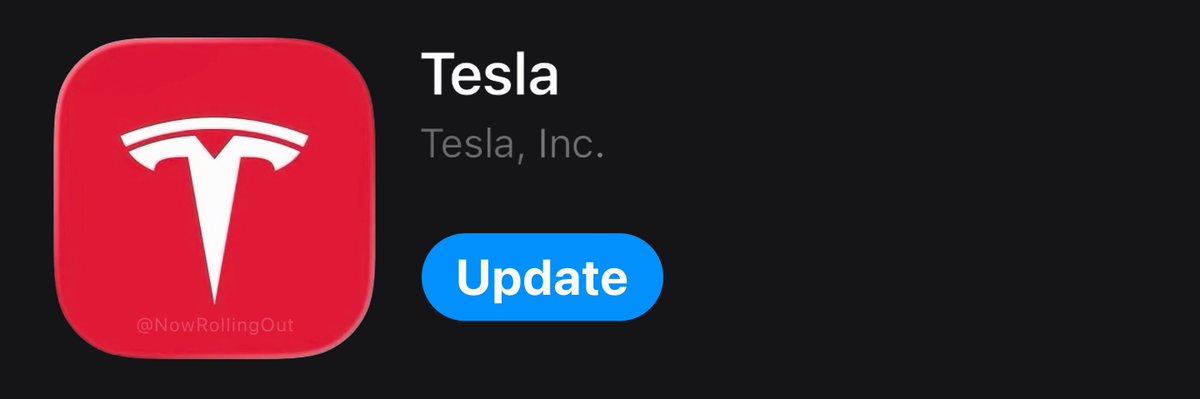
Tesla quietly pushed app version 4.59.5 to iOS this morning, and while the version number is new, the feature set carries over directly from 4.59.1. That means three genuinely useful additions are now live for most iPhone users — and at least one of them requires a manual step to get working. Here's what landed and what to do with it.

What's in the Update
According to @TeslaNewswire, the 4.59.5 changelog is identical to 4.59.1, which first shipped on July 24, 2026. Three features make up the full list:
| Feature | Where to Find It | Minimum App Version |
|---|---|---|
| Self-Driving Statistics (view & share) | Main app menu | 4.59.1 |
| Desired Arrival Energy | Location tab (navigation) | 4.58.0 |
| Custom Wrap Upload | Creations > Wraps | 4.59.0 |

Action Plan
Step 1 — Update the app
Open the App Store, search for Tesla, and tap Update if 4.59.5 isn't already installed. The update is rolling out to iOS users now; Android users should expect a separate release.
Step 2 — Check your Self-Driving stats
Once updated, look for the Self-Driving Statistics card in the app. According to background research, the dashboard mirrors the in-car UI and tracks FSD mileage as a percentage of total miles driven, FSD miles accumulated since version 14.2, and consecutive days of FSD usage. There's also a share button — useful if you want to post your numbers or compare with other owners. You'll need vehicle software 2026.26 or later for the data to populate correctly.
Step 3 — Set your Arrival Energy target
Before your next long trip, tap the Location tab while setting a destination. You'll now see a field to enter your desired arrival battery level. This replaces the guesswork of manually adjusting charge limits before departure. Note that Tesla lists this as available in select countries only — if you don't see it, it may not have rolled out to your region yet.
Step 4 — Upload a custom wrap (if applicable)
If you're running a vinyl wrap or planning one, head to Creations > Wraps inside the app. You can now pull an image directly from your phone's photo library and apply it to the car's on-screen visualization — no USB drive required. This workflow previously demanded a desktop or USB process, so the phone-native upload is a meaningful quality-of-life improvement for owners who regularly experiment with wrap designs.
The version bump from 4.59.1 to 4.59.5 suggests a stability or compatibility fix rather than new features — the changelog is unchanged. If you were already on 4.59.1 and these features were working, nothing changes functionally. If you skipped 4.59.1, this is your first chance to get all three. For a full history of recent app changes, see our all software updates coverage.
📋 Tracking Tesla software? See every firmware, FSD and app version in one place in our Tesla Software Update Tracker.
Related Gear
Gear up your Tesla with tested, custom-fit BASENOR accessories — shop Tesla accessories →
Sources & reporting notes
The links below identify the material source records used for this report.
- @NowRollingOut on X (2026-08-05T06:24:10.000Z) — Direct source
- @TeslaNewswire on X (2026-08-05T06:35:51.000Z) — Direct source
Source links are preserved as published or accessed. See our editorial standards and corrections policy.
The BASENOR Editorial Desk covers Tesla, SpaceX, and related technology, curating reporting from primary sources — official accounts, regulatory filings, and software release data. Every article passes source-record and fact-checking review before publication. About the newsroom.
This report was curated by the BASENOR Editorial Desk from the sources listed above. Read our editorial standards or email editorial@basenor.com to report an error.