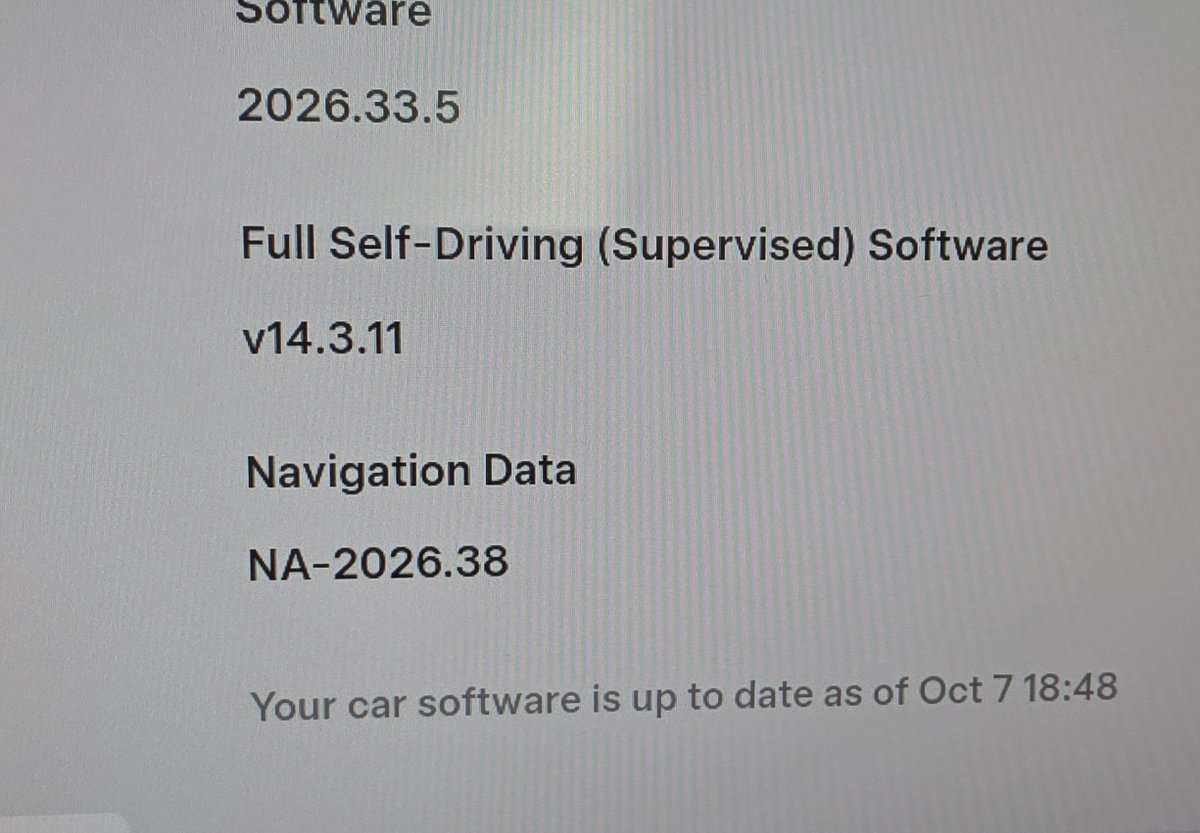
Tesla has begun pushing map update NA-2026.38 to vehicles across the United States and Canada, as detected by TeslaNewswire on October 10, 2026. The update arrives roughly three months after the previous NA-2026.26 release — a noticeably faster turnaround than Tesla's historically biannual map cadence — and brings fresher road data that directly affects navigation accuracy and FSD routing.

What's Inside NA-2026.38
According to Not a Tesla App, this map package delivers updated street data, revised speed limits, refreshed points of interest, and improved lane guidance for North America. If you've noticed your nav suggesting outdated routes or FSD hesitating at lane splits that have since been reconfigured, this update is the fix.
The map update is part of the broader 2026.38 software release, which also introduced several other features now reaching owners. Here's the full picture of what's in the release:
| Change | Type | Models |
|---|---|---|
| Map Update NA-2026.38 — Newer roads, revised speed limits, updated POIs, improved lane guidance for North America | Official | All North America vehicles |
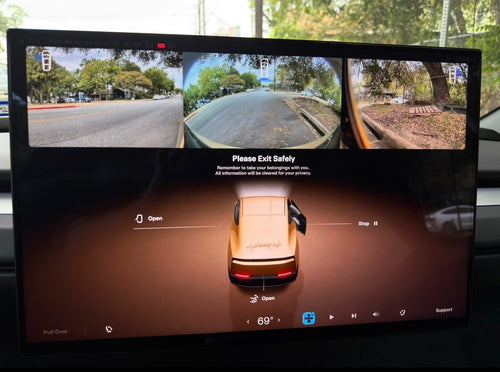
| Visual Updates — Higher-quality vehicle images and improved park scene on center display | Official | HW3 (AMD), Intel Atom MCU |
| Dynamic Headlight Leveling — Low beams auto-adjust aim based on driving conditions and traffic | Official | Legacy Model 3, select Model Y (HW3), Cybertruck (US/UAE) |
| Supercharger Site Maps — Detailed station layouts with live stall occupancy (Available / Occupied / Down) | Official | Intel, Legacy S/X, Model Y, Model 3 (AI3), Model X Legacy (AI3) — worldwide |
| Security Improvements — Important security fixes and enhancements | Official | S, X, Y, Cybertruck, Model 3 (AI3), Model Y (AI4), Model X Legacy (AI3) |
| Emergency Drive Away — Shift into Drive while Supercharger cable is still connected (emergency use only, US only) | Official (sub-version 2026.38.3) | US only; not supported on pre-2021 Model S/X |
| Set Arrival Energy — Now available in the Tesla mobile app, not just in-car | Official (sub-version 2026.38.3) | All supported vehicles |

How to Check and Speed Up Your Download
The map update downloads silently in the background — you won't get a pop-up notification the way you do with a software update. Here's how to confirm it's happening and make sure you're not accidentally blocking it:
- Connect to Wi-Fi. Map updates are several gigabytes and will not download over cellular. If your car isn't on a home or trusted Wi-Fi network, the download won't start. Go to Controls > Wi-Fi and confirm you're connected.
- Check your software version. Tap Controls > Software to confirm you're on 2026.38 or later. If you're still on an older release, the map update will follow once the main software installs.
- Monitor map download progress. In Controls > Software, scroll down to look for a map download progress indicator. It may show a percentage or simply confirm the current installed map version.
- Leave the car on Wi-Fi overnight. The download runs in the background whether the car is in use or parked. Parking at home with Wi-Fi connected is the fastest path to completion.
- Don't expect a separate install prompt. Unlike software updates, map updates apply automatically once the download completes — no tap-to-install step required.
Rollout is gradual, so if you don't see the update yet, that's expected. Not all eligible vehicles receive it on day one.
A Note on Emergency Drive Away
One feature in the 2026.38.3 sub-version warrants a specific callout: Emergency Drive Away. This allows you to shift into Drive while a Supercharger cable is still physically connected to your car. According to the release notes, it exists solely for genuine emergencies — driving away with the cable attached will damage both your vehicle and the Supercharger hardware, and you may be held responsible for repair costs. Tesla also records short camera clips when the feature is activated and shares them with the company. It is not supported on pre-2021 Model S or Model X vehicles, and is only available in the US.
The feature is a practical safety valve for rare situations — a medical emergency, a threat, a fire nearby — but it is not a shortcut for impatient charging sessions.

The quicker map update cadence — three months versus the previous six-month cycle — suggests Tesla is investing in keeping navigation data fresher, which matters most for FSD performance on roads that have changed. If you're on 2026.38 and connected to Wi-Fi tonight, there's a good chance you'll wake up with updated maps already installed.
📋 Tracking Tesla software? See every firmware, FSD and app version in one place in our Tesla Software Update Tracker.
Related Gear
Gear up your Tesla with tested, custom-fit BASENOR accessories — shop Tesla accessories →
Sources & reporting notes
The links below identify the material source records used for this report.
- @TeslaNewswire on X (2026-10-10T19:42:43.000Z) — Direct source
Source links are preserved as published or accessed. See our editorial standards and corrections policy.
The BASENOR Editorial Desk covers Tesla, SpaceX, and related technology, curating reporting from primary sources — official accounts, regulatory filings, and software release data. Every article passes source-record and fact-checking review before publication. About the newsroom.
This report was curated by the BASENOR Editorial Desk from the sources listed above. Read our editorial standards or email editorial@basenor.com to report an error.