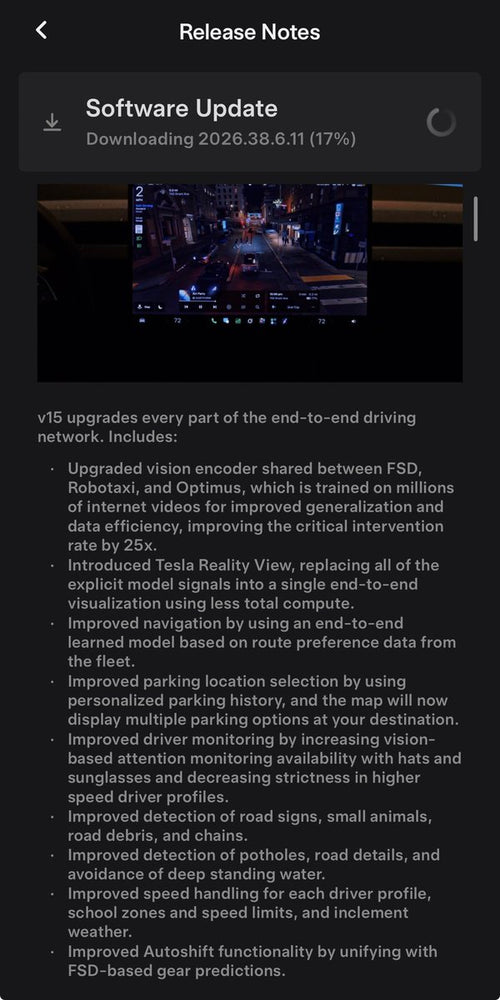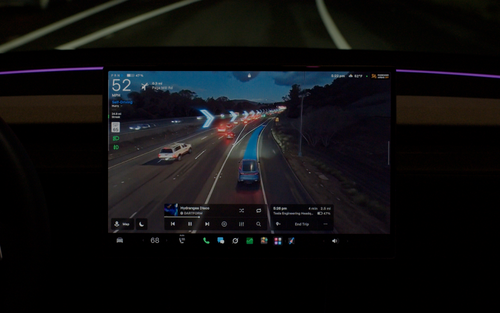

Tesla's FSD (Supervised) just got a feature that drivers in speed-camera-heavy areas have been quietly waiting for. As part of the FSD v15 rollout that began November 21, 2026, the system can now automatically reduce speed when it detects a speed camera ahead — and it's smart enough to learn your preferences over time.

How Speed Camera Slowdown Works
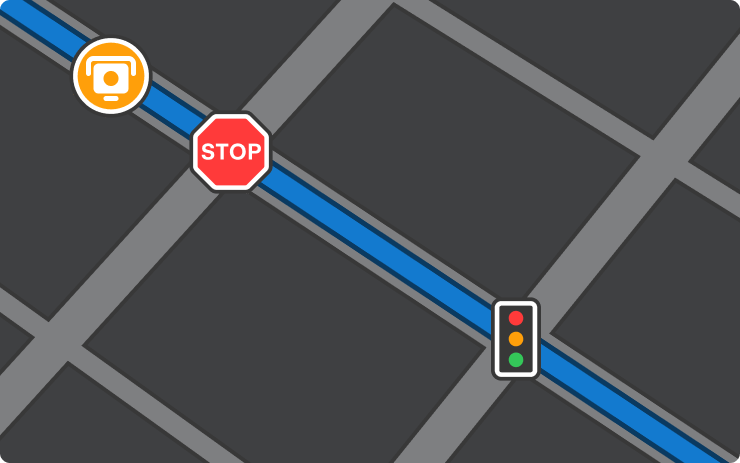
When FSD (Supervised) detects an upcoming speed camera, it will automatically begin reducing your speed in advance — similar to how it already handles stop signs or traffic lights. The car handles the deceleration; you just need to stay attentive as always under the Supervised framework.
What makes this more than a blunt speed-scrubbing tool is the learning layer baked in. According to Teslascope, if you cancel the slowdown at the same camera location twice, your Tesla saves that location and stops slowing down there automatically going forward.

What to Do When It Slows Down
You have two ways to override the automatic slowdown in the moment:
- Press the accelerator pedal — this immediately cancels the slowdown and resumes your set speed.
- Increase your speed profile — adjust your FSD speed setting upward to signal that you want to maintain a higher speed through that zone.
Neither override disables the feature globally — it only cancels the slowdown for that single instance. The two-cancel rule is what triggers the permanent location save.
How to Manage Saved Camera Locations
If you've canceled at a location twice and later change your mind — say, you want the car to slow down there again — you can remove it from the saved list. Navigate to:
Controls → Service → Manage Saved Locations
From there you can review and delete any camera locations your Tesla has learned to skip. It's worth checking this periodically if your commute or driving habits change.
Do You Have This Update?
Speed Camera Slowdown is part of FSD v15, which began its initial rollout on November 21, 2026. The first wave covers a limited group of customers, with a wider release expected in December 2026, according to background reporting.
There's one important hardware caveat: FSD v15 requires Tesla's AI4 (Hardware 4) computer. If your vehicle is running Hardware 3 (HW3), this update — and this feature — will not be available to you.
To check whether you've received it, go to Controls → Software and look for the FSD version number. If you're on FSD v15, the feature is already active.

The two-cancel learning mechanic is the detail worth paying attention to here. It means the system is designed to adapt to your specific routes rather than applying a one-size-fits-all slowdown everywhere — which should make it far less annoying on roads you drive regularly. For owners who've been waiting on FSD to handle speed cameras the way it handles stop signs, this is a meaningful step forward in day-to-day usability. Check your software version and, if you're on HW4, expect it to arrive before the end of the year.
Related Gear
Gear up your Tesla with tested, custom-fit BASENOR accessories — shop Tesla accessories →
Sources & reporting notes
The links below identify the material source records used for this report.
- @teslascope on X (2026-11-21T22:38:37.000Z) — Direct source
- @DirtyTesLa on X (2026-11-21T22:40:58.000Z) — Direct source
- @teslascope on X (2026-11-21T22:56:14.000Z) — Direct source
Source links are preserved as published or accessed. See our editorial standards and corrections policy.
The BASENOR Editorial Desk covers Tesla, SpaceX, and related technology, curating reporting from primary sources — official accounts, regulatory filings, and software release data. Every article passes source-record and fact-checking review before publication. About the newsroom.
This report was curated by the BASENOR Editorial Desk from the sources listed above. Read our editorial standards or email editorial@basenor.com to report an error.