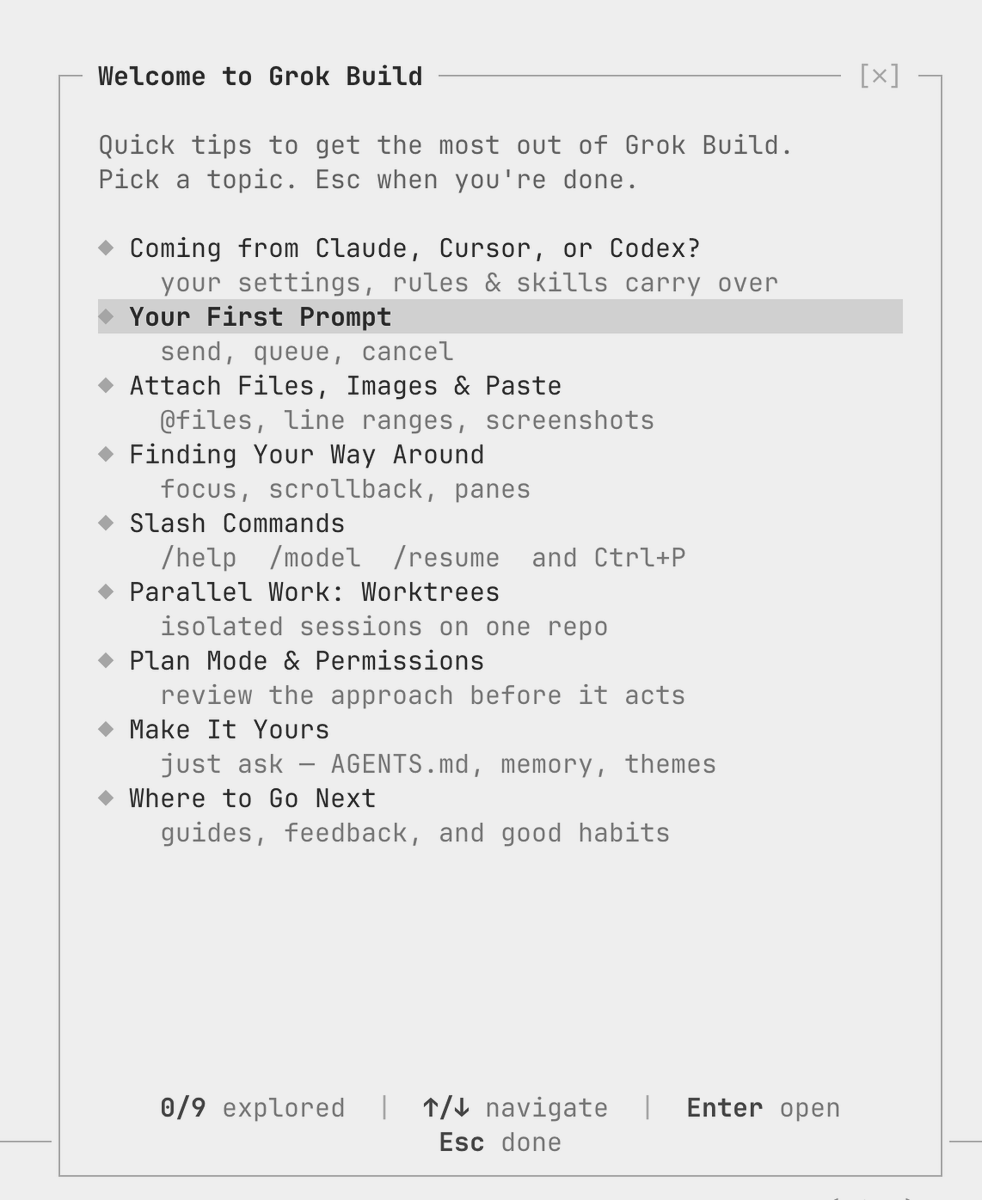
Elon Musk posted two quick tweets this morning about Grok Build — one calling it 'extremely powerful,' the other linking to a usage guide. If you missed the launch earlier this month, here's everything you need to know about what Grok Build actually is, what it can do, and how to get your hands on it.

What exactly is Grok Build?
Grok Build is a terminal-based AI coding agent developed by xAI. It's not a chatbot you type questions into — it's a command-line tool that can autonomously plan, search, and build software projects on your behalf. Version 1.0.0 shipped on August 7, 2026, after a 10-week beta that saw roughly 100 iterative updates. The underlying model is Grok 4.5, and the coding-specific model powering it — grok-build-0.1 — has been available via the xAI API in early access since May 19, 2026.
What can it actually do?
Quite a lot. Grok Build operates on a 'plan, search, build' workflow and can spin up to eight AI agents running in parallel on a single task. The model carries a 256,000-token context window, which means it can hold a substantial codebase in memory at once. Capabilities include function calling, structured outputs, web search, and support for both text and image inputs. The V1.0.0 release specifically added dashboard summaries, an improved terminal interface, enhanced error recovery, and Markdown rendering. xAI also open-sourced the project under the Apache 2.0 license on July 15, 2026, so the code is available for anyone who wants to inspect or extend it.

Who can access it and what does it cost?
Access requires either a SuperGrok or X Premium+ subscription, starting at $30/month. Grok Build is available on the DigitalOcean Marketplace for those subscribers. If you're a developer who wants to integrate the underlying model directly, the grok-build-0.1 model is accessible via the xAI API at $1.00 per million input tokens and $2.00 per million output tokens — with cached input dropping significantly to $0.20 per million tokens.
How do you install and run it?
Installation is straightforward for anyone comfortable with a terminal. Run the shell script hosted at x.ai/cli/install.sh to get set up. Once installed, you can keep it current with the grok update command. Grok Build supports three main operating modes: an interactive Text User Interface (TUI) for hands-on sessions, a headless mode suited for scripts and automated bots, and integration via the Agent Client Protocol (ACP) for embedding it into larger development pipelines.
Is this relevant if I'm not a developer?
Honestly, in its current form, Grok Build is aimed squarely at developers and technical users. The terminal-first design and API pricing structure reflect that. That said, the open-source release under Apache 2.0 means the community can build more accessible interfaces on top of it — and given xAI's pace of iteration (roughly 100 updates in 10 weeks during beta), the tool's reach is likely to expand. For non-developers, the more relevant question is what Grok Build's capabilities eventually mean for AI-assisted features inside products like the Tesla app or in-car software — though xAI hasn't announced any such integration to date.
Sources & reporting notes
The links below identify the material source records used for this report.
- @elonmusk on X (2026-08-12T06:56:27.000Z) — Direct source
- @elonmusk on X (2026-08-12T06:59:11.000Z) — Direct source
Source links are preserved as published or accessed. See our editorial standards and corrections policy.
The BASENOR Editorial Desk covers Tesla, SpaceX, and related technology, curating reporting from primary sources — official accounts, regulatory filings, and software release data. Every article passes source-record and fact-checking review before publication. About the newsroom.
This report was curated by the BASENOR Editorial Desk from the sources listed above. Read our editorial standards or email editorial@basenor.com to report an error.