
Tesla has been quietly rolling out two safety features that work together to reduce the risk of blind spot collisions and dooring incidents. The accent lights in your cabin now turn red when a vehicle or object is detected in your blind spot while your turn signal is active — and if something is approaching while you're parked, the door won't open on the first press. Here's what's changed and exactly what to check on your car.

How the Two Features Work
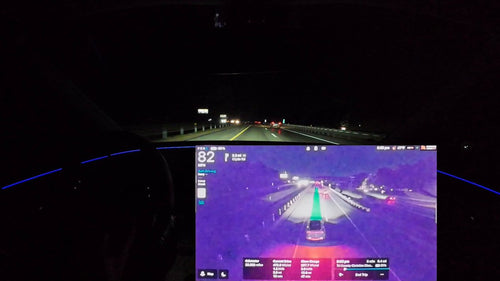
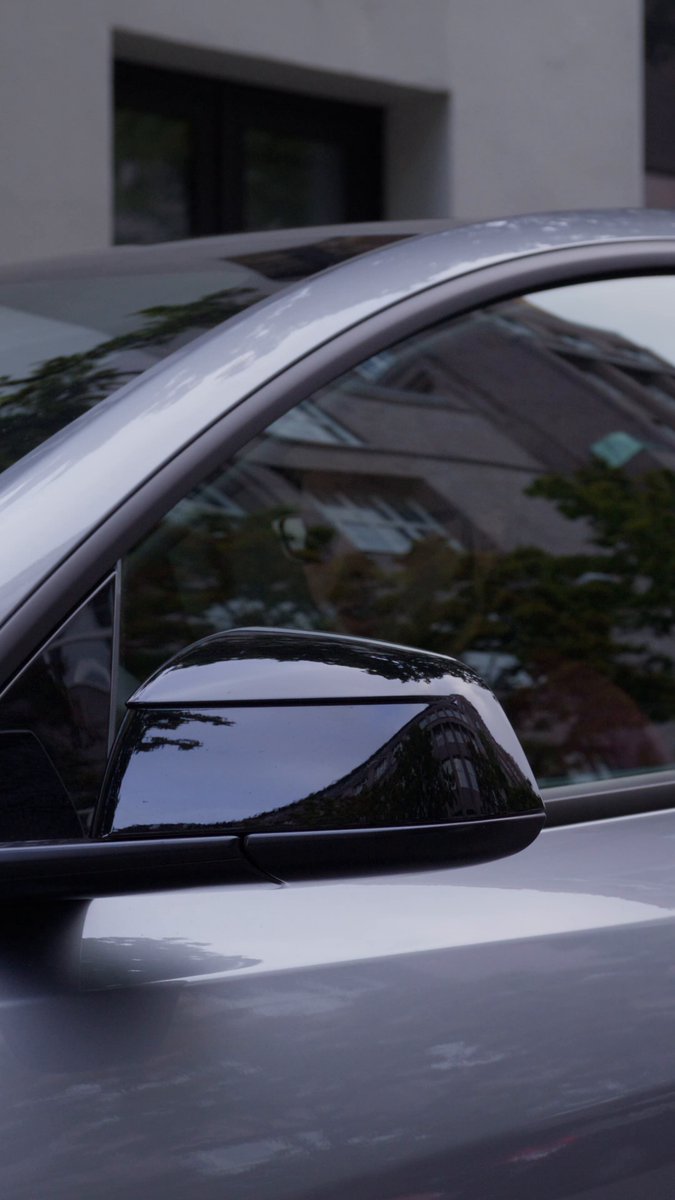
Blind Spot Warning Accent Lights: When you activate your turn signal and the car's sensors detect a vehicle or object in the corresponding blind spot, the interior ambient accent lights on that side of the cabin flash red. The system is directional — it only illuminates the lights on the side where the hazard is detected. In more complex situations, such as approaching an obscured intersection, both front and side accent lights may activate simultaneously. This visual cue works alongside the existing audio chime, giving you a second channel of warning that's harder to miss in a noisy cabin.
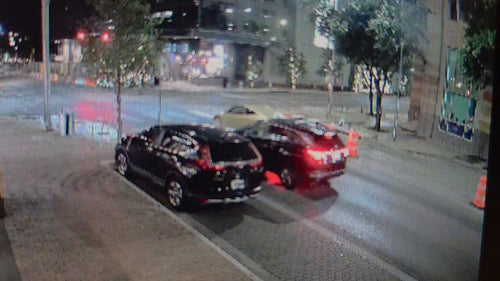
Two-Press Door Opening: This feature addresses a different risk — dooring, where an occupant swings a door open into the path of a cyclist or passing vehicle while parked. If the car detects an approaching object in the door's path, a chime sounds and the door will not release on the first press of the button. You have to wait a moment and press again to override. It's a deliberate friction point, not a malfunction.
Which Vehicles Have These Features
According to notateslaapp.com, the Blind Spot Warning Accent Lights feature first appeared on the new Model 3 in China with software version 2024.26.9, then expanded globally with the 2024.44.3 Holiday Update. The Cybertruck received it around March 31, 2026, with the 2026.8 update. Both features are now expanding to the new Model Y and 2021-and-newer Model S and Model X vehicles through updates including 2026.20.6.
The two-press door opening feature followed a similar path — it launched with the Model 3 Highland in 2024 and remained Model 3-exclusive for over a year before arriving on Cybertruck in Spring 2026, and is now rolling out more broadly.
Action Plan
Follow these steps to confirm both features are active and configured on your Tesla:
1. Verify your software version
Go to Controls > Software and check your current version. Blind Spot Warning Accent Lights requires at minimum 2026.14 on most vehicles (or 2026.8 on Cybertruck). If you're on an earlier version, check for a pending update under the same menu.
2. Confirm the accent light feature is enabled
Navigate to Controls > Lights and look for Blind Spot Warning Accent Lights. Toggle it on if it isn't already. If the option doesn't appear, your vehicle may not yet have received the update — check back after your next OTA.
3. Set sensitivity (Cybertruck owners only)
On Cybertruck running 2026.8 or later, you can adjust how sensitive the blind spot detection is and configure Safe Locations — geofenced areas (like your home driveway) where the warnings are suppressed. Find this under Controls > Autopilot > Blind Spot Warning.
4. Test the door warning before you need it
Park near a low-traffic area and have someone slowly approach on a bicycle or walk past while you attempt to open a door. You should hear a chime and feel the door resist on the first press. If nothing happens and you're on a supported software version, check that Blind Spot Warning While Parked is enabled in your Autopilot settings.
5. Don't fight the two-press — work with it
If your door doesn't open on the first press, resist the instinct to force it. Wait for the chime to complete, look over your shoulder to confirm the path is clear, then press again. The override is intentional — it gives you a half-second to actually look before exiting.
A Note on Model S and Model X Owners
If you own a 2021 or newer Model S or Model X, these features are part of the current expansion wave. Your car still receives full OTA updates, so keep an eye on your software version over the coming weeks. The rollout is staggered, so not every eligible vehicle receives the update on the same day.
Both features represent Tesla leaning harder into ambient and haptic feedback as a safety layer — using the cabin environment itself to communicate risk rather than relying solely on screens and chimes. Whether that approach actually changes driver behavior at the moment it matters most is the real test, and owner reports over the coming months will tell that story.
Related Gear
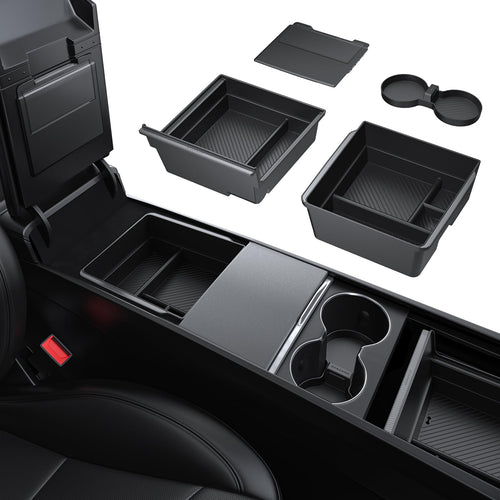
Gear up your Tesla with tested, custom-fit BASENOR accessories — shop Tesla accessories →
Sources & reporting notes
The links below identify the material source records used for this report.
- @Tesla_India on X (2026-11-22T06:04:24.000Z) — Direct source
Source links are preserved as published or accessed. See our editorial standards and corrections policy.
The BASENOR Editorial Desk covers Tesla, SpaceX, and related technology, curating reporting from primary sources — official accounts, regulatory filings, and software release data. Every article passes source-record and fact-checking review before publication. About the newsroom.
This report was curated by the BASENOR Editorial Desk from the sources listed above. Read our editorial standards or email editorial@basenor.com to report an error.