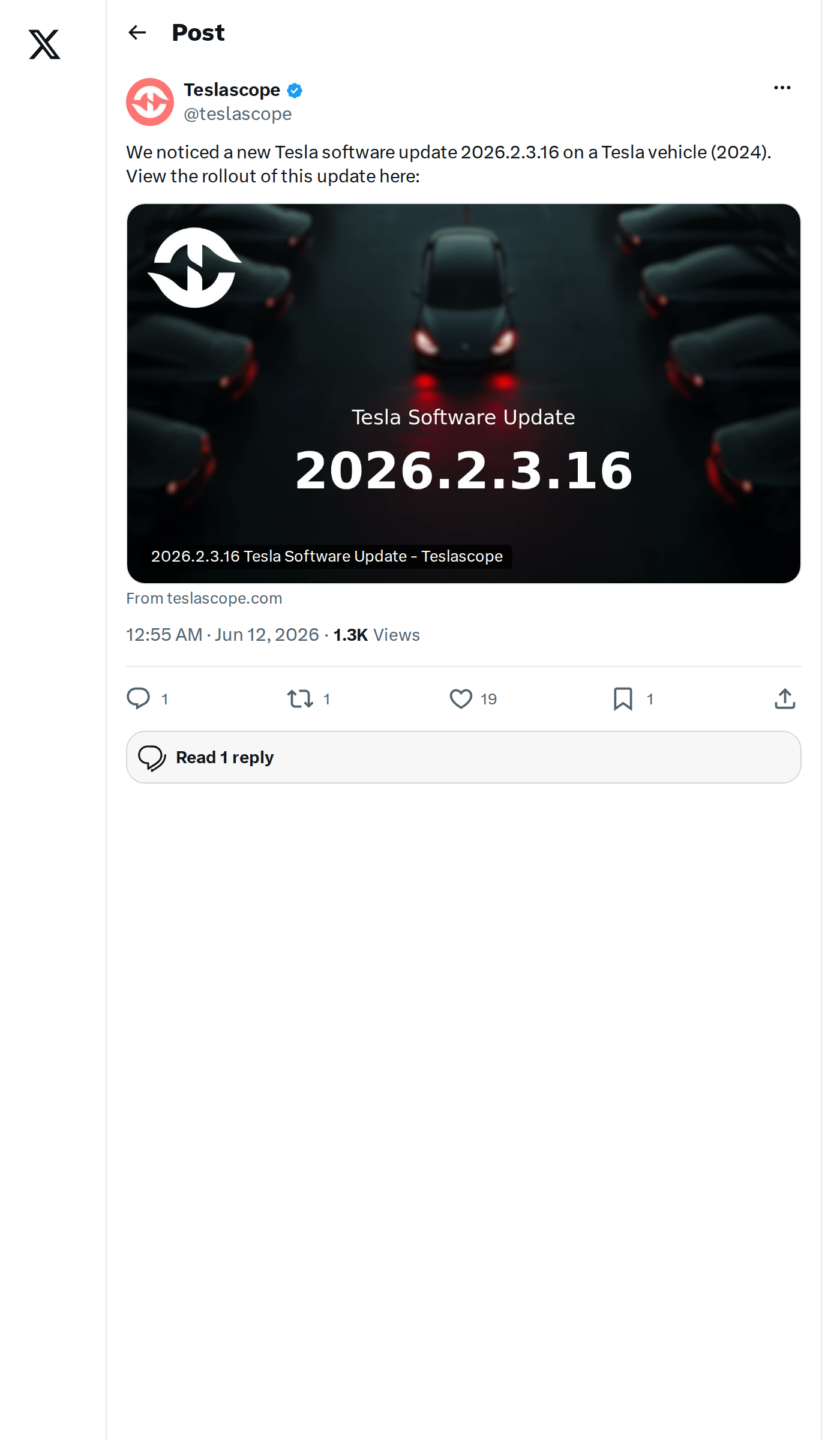
Teslascope detected Tesla software version 2026.2.3.16 pushing to vehicles early on June 12, 2026. The release is a point update on top of the 2026.2.3 branch — meaning it carries forward the same feature set while adding incremental fixes and security patches. If your car hasn't pinged yet, it's likely already in the queue.

What's in 2026.2.3.16
No standalone release notes have been published for the .16 revision specifically. Based on the 2026.2.3 base branch, the update carries the following documented changes:
| Change | Type | Models |
|---|---|---|
| Unlatching Charge Cable via Door Handle — Pull and hold the rear left door handle for 3 seconds to stop charging and release the cable (vehicle must be unlocked or a recognized key nearby). Useful when the charge port button isn't responding or an adapter is stuck. | Official | 3, Y, S, X, Cybertruck |
| Child Left Alone Detection — Detects an unattended child inside the vehicle, then flashes exterior lights, sounds an alert, and pushes a notification to the Tesla app. Repeats until you return. Enabled by default; disable under Controls > Safety. | Official | 3, Y, S, X, Cybertruck |
| Supercharger 3D Site Maps — Tap "View Site Map" at select Supercharger locations to see a 3D layout. When navigating to a pilot location, live stall occupancy (Available / Occupied / Down) appears on arrival. | Official | 3, Y, S, X, Cybertruck |
| Security Fixes and General Improvements | Official | 3, Y, S, X, Cybertruck |
| Grok Navigation Commands (Beta) — User reports indicate Grok can now add and edit navigation destinations, acting as an in-car guide. Not listed in official release notes. | 🔍 Undocumented | TBC |
How to Check and Install
- Open Software settings — On your touchscreen, go to Controls > Software. If an update is available, you'll see it listed here with a scheduled install time.
- Connect to Wi-Fi — Tesla strongly prefers Wi-Fi for OTA downloads. Park within range of your home network to speed up the process.
- Check the Tesla app — The mobile app often surfaces update availability before the car's own screen does. Tap the car icon, then Software Update.
- Don't force-restart — If the update is queued but hasn't downloaded yet, a soft reboot won't accelerate it. Rollouts are server-side and staggered by region and vehicle configuration.
- After install, verify Child Detection — Head to Controls > Safety and confirm Child Left Alone Detection is toggled to your preference. It ships enabled by default.
Point releases like .16 typically close out bugs or address edge cases discovered after the main branch ships broadly — so if you've been on 2026.2.3 and noticed any quirks, this is the likely fix. Track live deployment progress via Teslascope.
📋 Tracking Tesla software? See every firmware, FSD and app version in one place in our Tesla Software Update Tracker.
Related Gear
Gear up your Tesla with tested, custom-fit BASENOR accessories — shop Tesla accessories →
Sources & reporting notes
The links below identify the material source records used for this report.
- @teslascope on X (2026-06-12T00:55:16.000Z) — Direct source
Source links are preserved as published or accessed. See our editorial standards and corrections policy.
The BASENOR Editorial Desk covers Tesla, SpaceX, and related technology, curating reporting from primary sources — official accounts, regulatory filings, and software release data. Every article passes source-record and fact-checking review before publication. About the newsroom.
This report was curated by the BASENOR Editorial Desk from the sources listed above. Read our editorial standards or email editorial@basenor.com to report an error.