
📌 UPDATE — November 17, 2026
Firmware analyst @greentheonly has dug into 2026.44.1 and surfaced several notable changes. The most eye-catching is cosmetic: Tesla has rebranded the onboard AI computer to "SI Computer" (short for Super Intelligence) in car properties. More practically, the update introduces en-route charging price notifications that alert you when Supercharger pricing is rising or falling on your way to a stop, plus a new smart charging mode for optimized scheduling and additional Supercharger queue tweaks.
Under the hood, the Linux kernel jumps significantly from 5.4.302 to 6.18.38. There's also a new on-device wakeword embedding model, battery preconditioning rework, navigation improvements, and hints at Grok chat history syncing to your phone. A mysterious feature called "Soda music" also appears in the firmware — no details yet on what that is. 🔍
Release notes visible to owners have not yet reflected these changes; the findings are based on firmware analysis only.
Tesla has begun pushing software version 2026.44.1 to the fleet. The update was first spotted early on November 17 on a 2022 Model X Plaid in California by tracker @teslascope, with @NowRollingOut confirming the sighting minutes later. Release notes haven't surfaced yet, but that's typical at this stage — details usually emerge within 24–48 hours as more vehicles install the build.

How to Check If the Update Is Available for Your Tesla
Tesla rolls updates out in waves, so not every vehicle gets the prompt at the same time. The best thing you can do right now is make sure your car is in the best position to receive it early.
- Connect to Wi-Fi. Tesla strongly recommends a Wi-Fi connection for OTA updates — it's faster and more reliable than cellular. Park within range of your home network and confirm the car shows a Wi-Fi connection in the status bar.
- Check your software screen. On the touchscreen, go to Controls > Software. If an update is queued, you'll see a yellow clock icon and a prompt to schedule or install. If it shows your current version with no pending update, you're not in the first wave yet.
- Check the Tesla app. Open the Tesla mobile app, tap your vehicle, then navigate to Software. The app sometimes surfaces a pending update before the car's own screen does.
- Don't force a manual check repeatedly. Tesla's servers push updates on their own schedule. Repeatedly tapping "Check for Updates" won't accelerate delivery — just leave Wi-Fi on and let the system do its job.
- Schedule overnight if prompted. If you get the install prompt, scheduling it for late night is the safest approach — the car won't be in use, and the update completes without interrupting a trip.
What We Know (and Don't Know) About 2026.44.1
At this point, no official release notes have been published for 2026.44.1. The version number places it in the 44th week of 2026, and the jump from the previously tracked 2026.39.100 suggests this is a meaningful new branch rather than a minor point-release patch — though that's not confirmed yet. Whether it carries new features, bug fixes, or both will become clearer as the rollout expands and owners begin reporting what they see on their screens.
Keep an eye on our software updates coverage — we'll update this article or publish a follow-up as soon as release notes or owner reports come in.
📋 Tracking Tesla software? See every firmware, FSD and app version in one place in our Tesla Software Update Tracker.
Related Gear
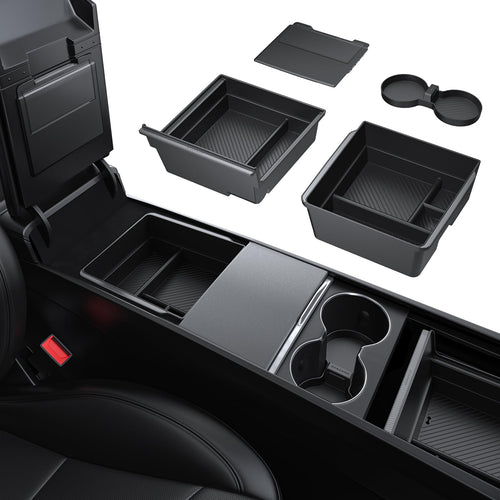
Gear up your Tesla with tested, custom-fit BASENOR accessories — shop Tesla accessories →
Sources & reporting notes
The links below identify the material source records used for this report.
- @teslascope on X (2026-11-17T04:38:20.000Z) — Direct source
- @NowRollingOut on X (2026-11-17T04:40:11.000Z) — Direct source
Source links are preserved as published or accessed. See our editorial standards and corrections policy.
The BASENOR Editorial Desk covers Tesla, SpaceX, and related technology, curating reporting from primary sources — official accounts, regulatory filings, and software release data. Every article passes source-record and fact-checking review before publication. About the newsroom.
This report was curated by the BASENOR Editorial Desk from the sources listed above. Read our editorial standards or email editorial@basenor.com to report an error.