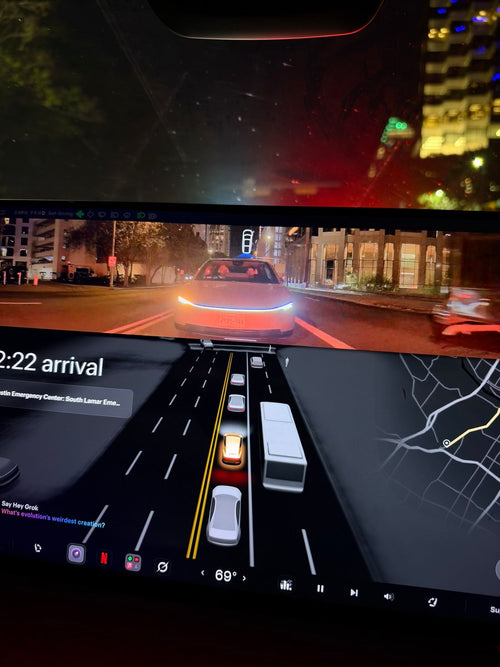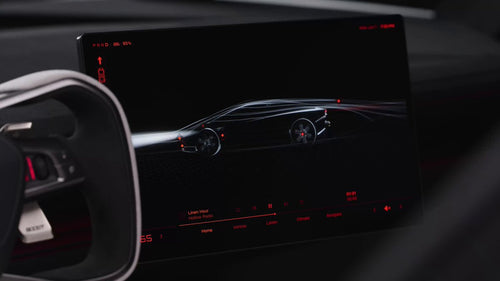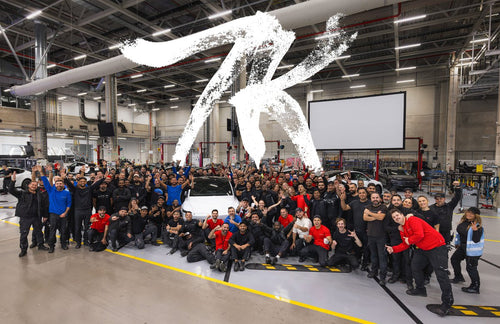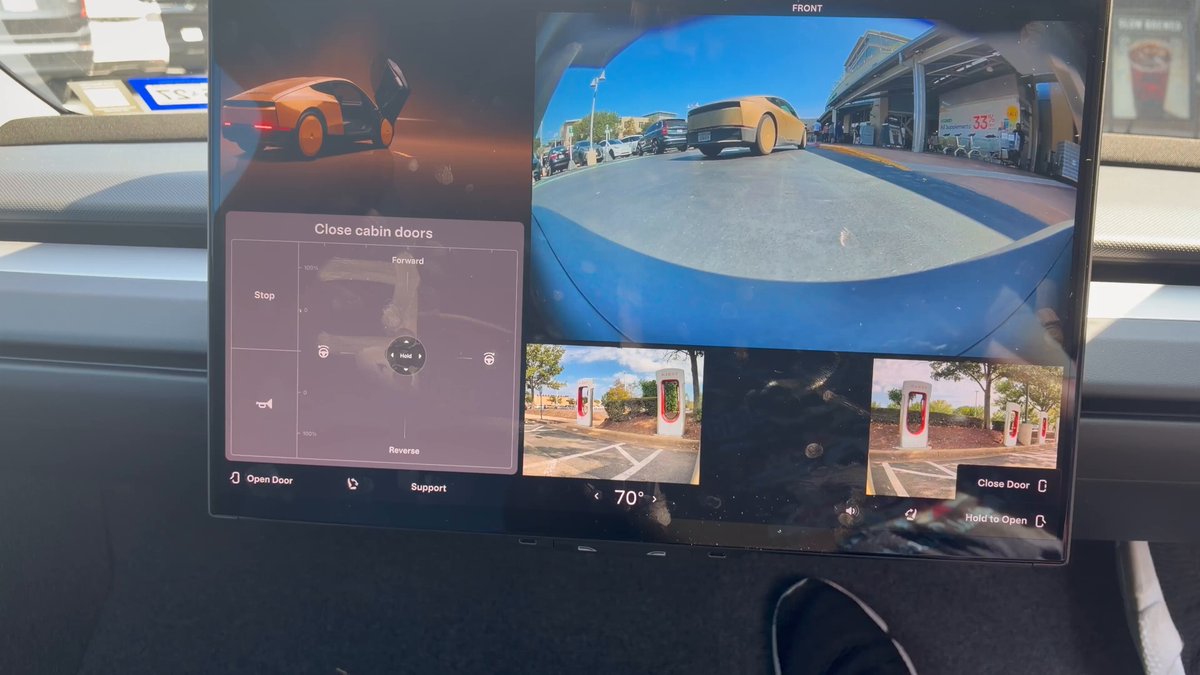
The Tesla Cybercab launched commercial rides in Austin on September 3, 2026 — and one of the first questions riders and observers have asked is simple: if there's no steering wheel or pedals, what can you actually control? A new video shared by Whole Mars Catalog offers the clearest look yet at the Cybercab's on-screen manual controls, and the answer is more capable than many expected.

Does the Cybercab have any manual controls at all?
Yes — just not the kind you'd find in a conventional car. The Cybercab has no steering wheel, accelerator pedal, or brake pedal by design. Instead, a large central touchscreen (reported as 21 or 22 inches, the largest Tesla has placed in a production vehicle) serves as the primary control surface for occupants. Riders can interact with the vehicle's environment, comfort, and safety systems entirely through that display.
What can riders actually do from the touchscreen?
Quite a bit. According to verified reports, the in-cabin touchscreen handles door operation, seat adjustments, cabin temperature, media playback (music, streaming, and gaming), navigation, ride initiation, and — critically — emergency pull-over requests. The interface is designed around the passenger experience rather than driving inputs, which shifts the definition of "manual control" from locomotion to environment management.
What happens if a rider needs to stop immediately?
There is a dedicated physical stop button located between the dome lights. Pressing it triggers an immediate pull-over request, ends the ride, and connects the occupant directly to Robotaxi Support. This is the Cybercab's equivalent of a hard override — it bypasses the touchscreen entirely and is accessible even if the display is unresponsive. Manual door levers are also present on the door panels for emergency exit, though normal operation routes door control through the touchscreen.
Can riders control the Cybercab before they even get in?
Yes, through the Tesla Robotaxi app. The app handles ride hailing, vehicle identification via a color-matching RGB light bar, remote door and trunk control, climate pre-conditioning, and even remote horn or light flashing to locate the vehicle in a crowded area. By the time a rider opens the door, they've already been interacting with the Cybercab's control layer for several minutes.
Is there voice control inside the cabin?
"Hey Grok" hands-free voice control — powered by xAI's assistant — is confirmed for the Cybercab cabin experience, according to evidence found in app code. This gives riders a third input method alongside the touchscreen and physical controls, useful for adjusting temperature or media without taking their eyes off whatever they're watching on that 21-inch display.
Are there any physical controls beyond the stop button?
Two additional physical inputs have been documented. Window switches located under the touchscreen allow riders to lower and raise the windows, though they currently do not open completely. And the manual door levers mentioned above are present as a safety redundancy. Everything else — seats, climate, media, navigation — runs through the touchscreen or the app.
The Cybercab's control philosophy is a genuine departure from anything Tesla has shipped before. Rather than adapting an existing driver interface for passenger use, the entire interaction model is built around the rider as a passenger who occasionally needs to make comfort or safety decisions — not someone managing a vehicle. How that plays out in daily use, particularly in edge-case scenarios, is something Austin riders are now finding out in real time.
🚕 Following the Robotaxi rollout? See every operating city, launch date and announced market in our Tesla Robotaxi Tracker.
Related Gear
Gear up your Tesla with tested, custom-fit BASENOR accessories — shop Tesla accessories →
Sources & reporting notes
The links below identify the material source records used for this report.
- @wholemars on X (2026-09-07T18:34:52.000Z) — Direct source
Source links are preserved as published or accessed. See our editorial standards and corrections policy.
The BASENOR Editorial Desk covers Tesla, SpaceX, and related technology, curating reporting from primary sources — official accounts, regulatory filings, and software release data. Every article passes source-record and fact-checking review before publication. About the newsroom.
This report was curated by the BASENOR Editorial Desk from the sources listed above. Read our editorial standards or email editorial@basenor.com to report an error.