30-Second Brief
The News: Tesla North America has confirmed that all loaner vehicles now come equipped with FSD Supervised, and owners' personal settings and preferences will automatically sync from their own Tesla to the loaner.
Why It Matters: If you've ever dropped your car off for service and felt lost in an unfamiliar Tesla, that experience is now over — your loaner will feel like your own car from the moment you get in.
Source: @tesla_na on X
Tesla Loaner Vehicles Now Include FSD Supervised and Automatic Settings Sync
The next time you drop your Tesla off for service, the loaner you drive home won't feel like a stranger's car. Tesla North America has officially confirmed two meaningful upgrades to its loaner program: every loaner now ships with FSD Supervised active, and your personal settings sync automatically from your own vehicle.

📊 What Changed
| Feature | Before | Now |
|---|---|---|
| FSD Supervised | Not available on loaners | Included on every loaner |
| Driver Settings | Default loaner settings — mirrors, seat, steering, Autopilot preferences all reset | Auto-synced from your personal Tesla |
| Loaner Experience | Unfamiliar vehicle, manual reconfiguration required | Feels like your own car from the start |
What This Actually Means for You
Tesla's Profiles feature — which has allowed drivers to save seat position, mirror angles, steering feel, and Autopilot preferences to their Tesla account since 2022 — is now the backbone of the loaner experience. When you're handed the keys to a service loaner, the vehicle will pull your saved profile and configure itself accordingly.
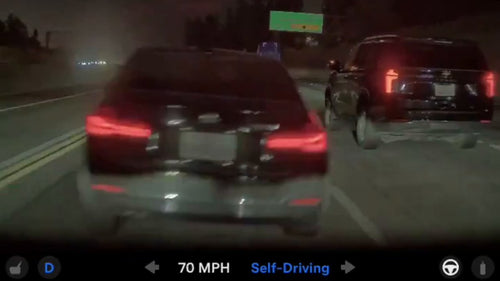
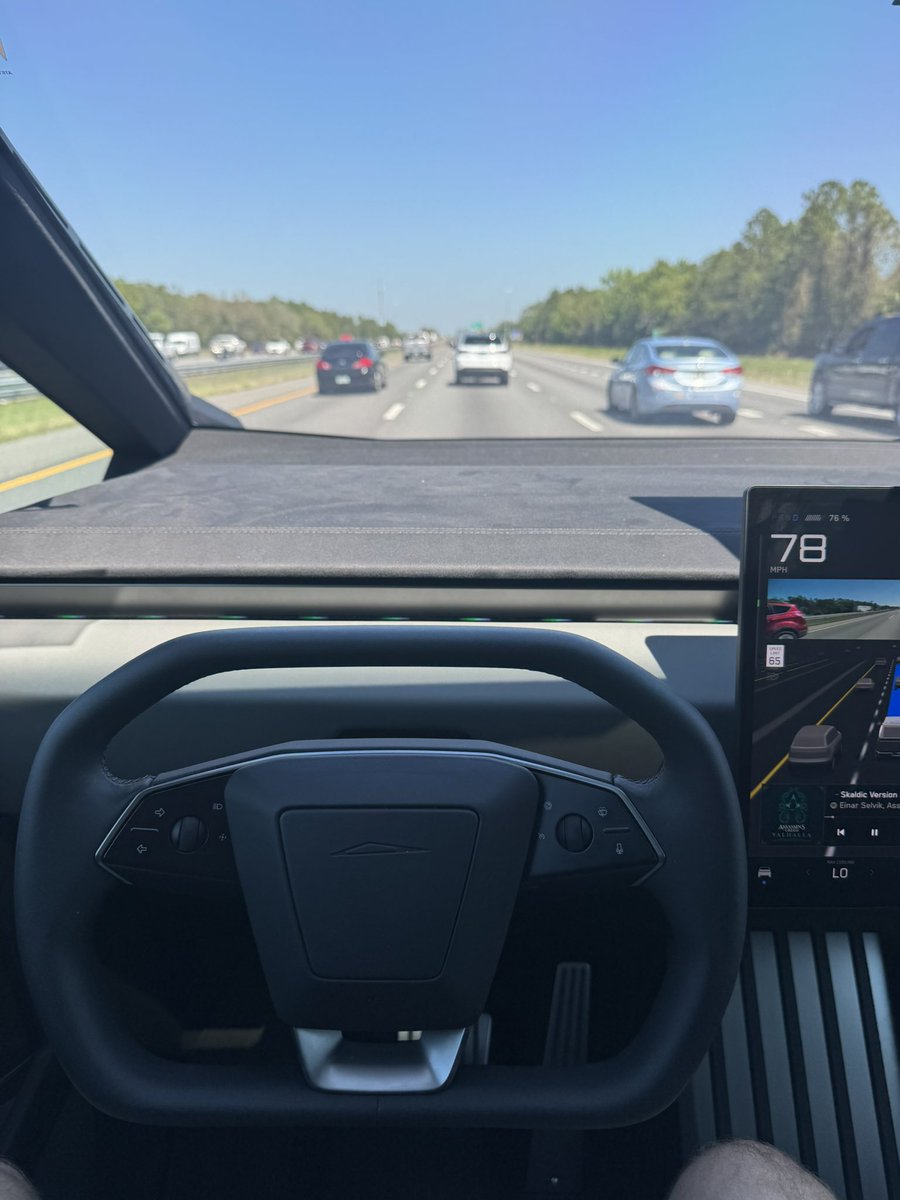
The FSD Supervised inclusion is the bigger headline for most owners. Previously, if your own Tesla had FSD, you'd lose access to Navigate on Autopilot, Auto Lane Change, and Autopark the moment you stepped into a loaner. That friction is gone. Every loaner in Tesla's North America fleet now carries FSD Supervised — meaning you can use the full suite of driver-assistance features regardless of whether you personally subscribe or own the capability.
This is also a quiet but effective way for Tesla to put FSD in front of owners who haven't yet purchased it — a test drive that lasts the entire duration of your service appointment.
🚦 Owner's Action Plan
Step 1 — Verify your Tesla Profile is set up and saved Essential
Go to your Tesla app → tap your profile icon → confirm your driver profile is saved to your Tesla account (not just locally on the car). If it's not linked to your account, it won't sync to a loaner.
Step 2 — Update your saved preferences before your next service visit Recommended
Seat position, mirror angles, steering weight, Autopilot follow distance, and lane change confirmations are all profile-saveable. Take 5 minutes to make sure everything reflects your current preferences — Controls → Driver Profile → Save.
Step 3 — When you pick up the loaner, confirm your profile loaded correctly Recommended
Before leaving the service center, check the driver profile name in the top bar of the touchscreen. If it shows your name, sync worked. If it shows a generic profile, ask a service advisor to assist — this feature may require you to be logged into the Tesla app on your phone with Bluetooth active.
Step 4 — Use FSD Supervised on the loaner, even if you don't own it Informational
FSD Supervised is pre-enabled on all North America loaners. You don't need to do anything to activate it — it should be available in Autopilot settings from the moment you get in. This is a good opportunity to test features like Navigate on Autopilot or Auto Lane Change if you haven't experienced them on your own vehicle. For more on what FSD Supervised includes, see our FSD coverage.
Known Limitations to Watch For
A few things to keep in mind as this rolls out:
- Hardware differences: If your personal Tesla is a Model Y and the loaner is a Model 3 (or vice versa), some settings — particularly seat configurations and steering column adjustments — may not translate perfectly due to hardware differences between models.
- FSD version may differ: The loaner's FSD version will reflect whatever software the loaner is running, which may be a different version than your personal vehicle.
- North America only (for now): This announcement is from Tesla North America. Availability in other regions has not been confirmed.
📰 Deep Dive
The loaner program has historically been one of the more friction-heavy parts of owning a Tesla. Drop your car off for a multi-day repair, get handed a different model with a blank profile, and spend the first 20 minutes adjusting everything before you can feel comfortable. Tesla's Profiles system was built to solve exactly this problem — but until now, it hadn't been fully extended to the service loaner context.
Bundling FSD Supervised into every loaner is a strategically smart move. Tesla has been pushing FSD adoption aggressively, and the service center is one of the few moments where an owner is guaranteed to spend extended time in a Tesla they don't normally drive. Giving every loaner customer a multi-day FSD trial — without requiring any opt-in — is a low-friction way to convert skeptics. An owner who has never used Navigate on Autopilot on a highway commute is far more likely to consider purchasing it after a week with it enabled by default.
The settings sync piece reflects a broader Tesla philosophy of tying the ownership experience to the Tesla account rather than the physical vehicle. As Tesla's fleet grows and features like robotaxi and fleet sharing become more relevant, account-level personalization becomes infrastructure — not just a convenience feature. Today it's your loaner. Eventually, it's any Tesla you step into.
Related Gear
Gear up your Tesla with tested, custom-fit BASENOR accessories — shop Tesla accessories →
Sources & reporting notes
The links below identify the material source records used for this report.
- @tesla_na on X (2026-03-28T01:00:48.000Z) — Direct source
Source links are preserved as published or accessed. See our editorial standards and corrections policy.
The BASENOR Editorial Desk covers Tesla, SpaceX, and related technology, curating reporting from primary sources — official accounts, regulatory filings, and software release data. Every article passes source-record and fact-checking review before publication. About the newsroom.
This report was curated by the BASENOR Editorial Desk from the sources listed above. Read our editorial standards or email editorial@basenor.com to report an error.