📌 UPDATE — June 15, 2026 🔍
Tesla has already moved beyond 2026.14.6.10 — a newer build, 2026.14.6.11, was spotted on a Cybertruck AWD in Arizona early this morning and is now rolling out. This version bundles FSD (Supervised) v14.3.4 (same release notes as prior v14.3.x builds per Sawyer Merritt) and, notably, introduces 'Actually Smart Summon' (ASS) for Cybertruck — an undocumented addition detected by Teslascope. Cybertruck owners have been waiting on this improved Summon capability, and 2026.14.6.11 appears to be the build delivering it.
@NowRollingOut · June 15, 2026
✅ Confirmed details for 2026.14.6.11
• Includes FSD 14.3.4
• Includes Summon (ASS) for Cybertruck

@SawyerMerritt · June 15, 2026
"New version of FSD V14.3.4 now starting to roll out. Same release notes."

If you were expecting 2026.14.6.10, your vehicle may receive 2026.14.6.11 instead — check your Tesla app now.
📌 UPDATE — June 12, 2026
🔍 UNDOCUMENTED CHANGETesla's 2026.14.6.10 update — which also bundles FSD (Supervised) v14.3.4 — has been found to include an undocumented navigation improvement: a new dedicated button that makes it significantly easier to add waypoints to an active route. This feature was not mentioned in Tesla's official release notes and was surfaced by community observers. The addition streamlines multi-stop trip planning directly from the in-car navigation UI, removing extra steps previously required to insert mid-route stops.
@TeslaNewswire · June 12, 2026
Tesla 2026.14.6.10 software update with FSD (Supervised) v14.3.4 also adds a new button that makes it easier to add a waypoint to your route [undocumented change]

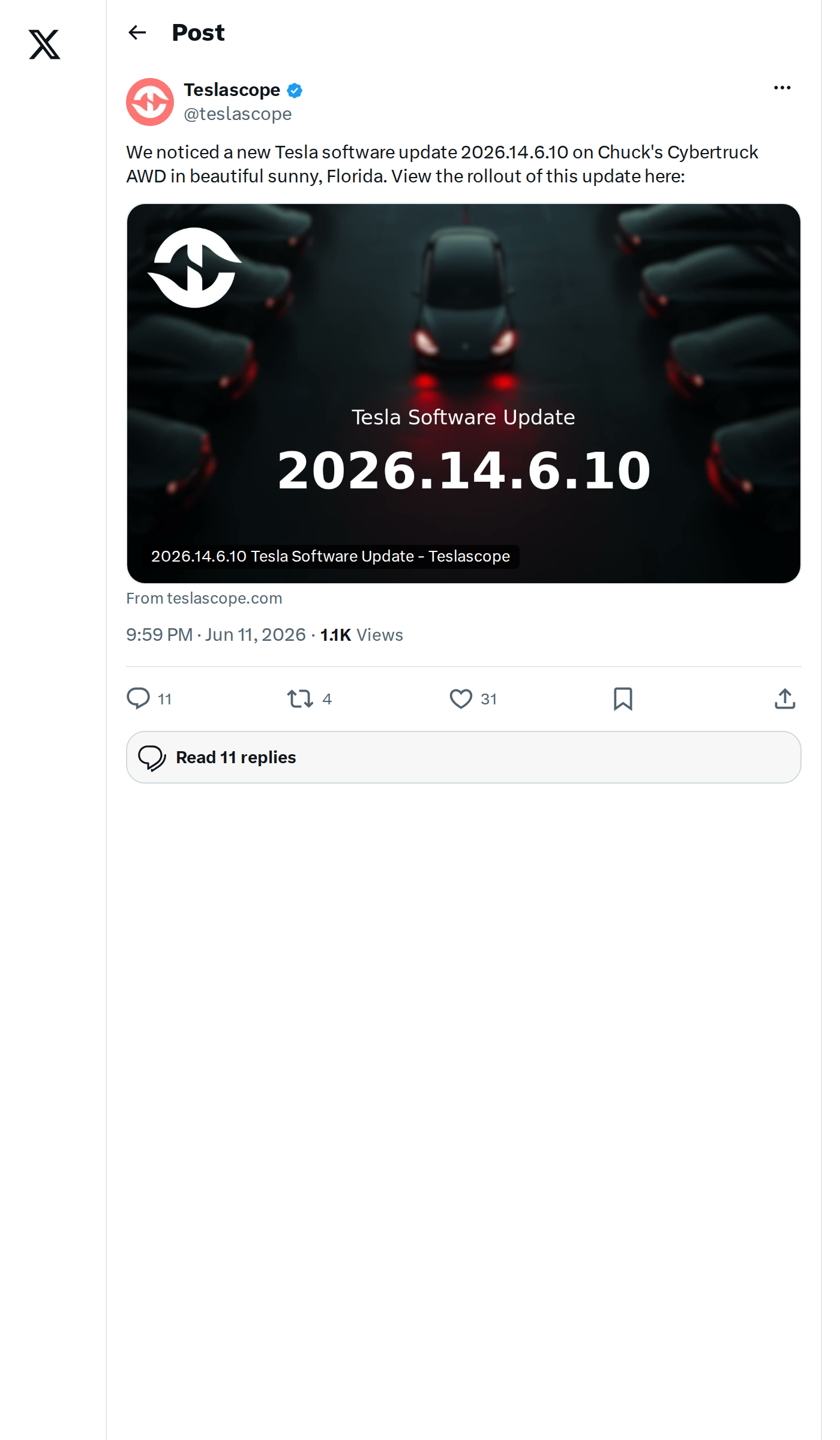
A new Tesla software version — 2026.14.6.10 — has just been detected in the wild, spotted by Teslascope on a Cybertruck AWD in Florida. The detection signals the start of a fresh over-the-air rollout, and if recent branch history holds, this one carries meaningful improvements for FSD and overall vehicle performance.

What's Likely in This Update
Official release notes for 2026.14.6.10 haven't been published yet, but this version sits within the 2026.14.x software branch — the same train that delivered 2026.14.6.6 (rolled out May 16) and 2026.14.6.7 (first spotted June 2, with over 10% of Teslascope-tracked vehicles receiving it within five days). Point releases like .6.10 typically carry bug fixes, stability improvements, and incremental refinements on top of the branch's headline features.
Based on what's confirmed in closely related versions, here's what 2026.14.6.10 is expected to include:
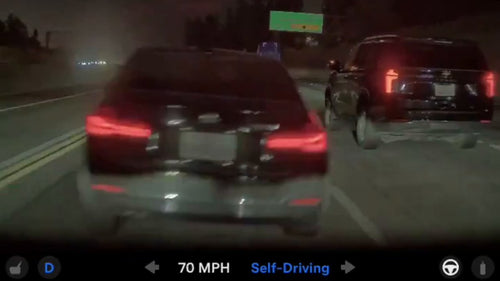
- FSD (Supervised) V14.3.3 — The same FSD bundle confirmed in 2026.14.6.6 and 2026.14.6.7. Key improvements include a 20% faster reaction time thanks to an MLIR-rewritten AI compiler, enhanced neural network vision for low-visibility conditions, and reduced unnecessary lane biasing and minor tailgating behavior.
- Smarter parking — Increased decisiveness in spot selection and maneuvering, plus improved parking location pin prediction on the map.
- Emergency vehicle handling — Improved response to emergency vehicles, school buses, and other rare vehicle types.
- Actually Smart Summon speed bump — Max speed raised from 6 mph to 8 mph (13 km/h).
- Self-Driving App — Displays real-time and all-time longest intervention-free driving streaks, giving FSD users a new way to track performance.
How to Check If Your Vehicle Has It
Rollouts start narrow — a single vehicle detection in Florida means the broader push is just beginning. Here's how to stay ahead of the queue:
- Open your Tesla app → tap your vehicle → go to Software. If an update is available, you'll see it here before the car prompts you.
- On the touchscreen, go to Controls > Software and tap Check for Updates. Make sure Wi-Fi is connected — Tesla prioritizes Wi-Fi delivery for OTA packages.
- Schedule overnight — Set your update preference to install during off-peak hours so you're not interrupted mid-drive.
- Track the rollout — Teslascope's rollout tracker (linked in the source tweet) shows real-time fleet adoption percentages as the update spreads.
No official release notes yet means the full changelog could still surprise us. Keep an eye on all software updates here — we'll publish a full breakdown as soon as Tesla's notes go live or community reports surface additional changes.
📋 Tracking Tesla software? See every firmware, FSD and app version in one place in our Tesla Software Update Tracker.
Related Gear
Gear up your Cybertruck with tested, custom-fit BASENOR accessories — shop Cybertruck accessories →
Sources & reporting notes
The links below identify the material source records used for this report.
- @teslascope on X (2026-06-11T21:59:11.000Z) — Direct source
- @TeslaNewswire on X (2026-06-12T05:34:59.000Z) — Direct source
- @teslascope on X (2026-06-15T03:38:51.000Z) — Direct source
- @NowRollingOut on X (2026-06-15T03:40:09.000Z) — Direct source
- @teslascope on X (2026-06-15T03:38:57.000Z) — Direct source
- @teslascope on X (2026-06-15T03:39:00.000Z) — Direct source
- @SawyerMerritt on X (2026-06-15T03:48:50.000Z) — Direct source
- @wholemars on X (2026-06-15T03:40:25.000Z) — Direct source
- @teslascope on X (2026-06-15T03:38:54.000Z) — Direct source
- @NowRollingOut on X (2026-06-15T03:41:58.000Z) — Direct source
Source links are preserved as published or accessed. See our editorial standards and corrections policy.
The BASENOR Editorial Desk covers Tesla, SpaceX, and related technology, curating reporting from primary sources — official accounts, regulatory filings, and software release data. Every article passes source-record and fact-checking review before publication. About the newsroom.
This report was curated by the BASENOR Editorial Desk from the sources listed above. Read our editorial standards or email editorial@basenor.com to report an error.