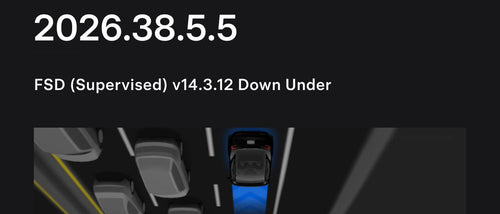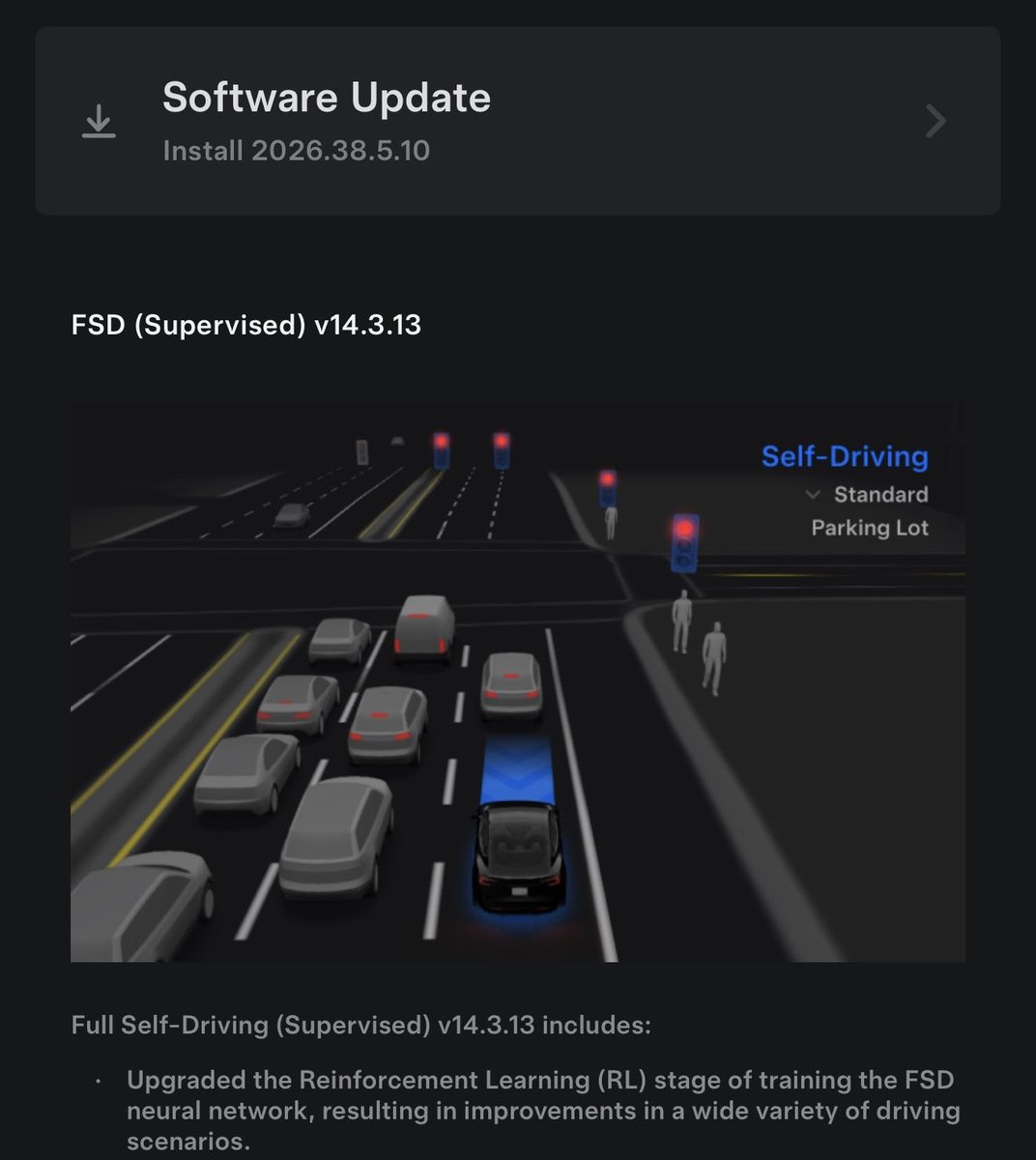
Tesla has started pushing FSD (Supervised) v14.3.13 to a second batch of owners as part of a new unified software release, 2026.38.5.10. The rollout also carries FSD v14.3 Lite to Hardware 3 (AI3) vehicles — the clearest sign yet that Tesla is converging its FSD stack across hardware generations onto the 2026.38+ software branch.
If you own a Tesla with FSD (Supervised), there's a good chance an update notification is heading your way soon. Here's what's in it, what to check once it lands, and how to configure the new behavior.

What Changed
The 2026.38.5.10 update is a unified release — meaning both HW4/AI4 and HW3/AI3 vehicles get FSD v14 capabilities from the same software branch, just tuned to their respective hardware. According to notateslaapp.com and Teslascope, the rollout began around 3 AM Central on October 20, and this second-batch wave now expands distribution further.
| Change | Type | Models |
|---|---|---|
| FSD (Supervised) v14.3.13 — upgraded RL training stage, new vision encoder, rewritten AI compiler/runtime | Official | HW4/AI4 Model 3, Y, S, X, Cybertruck (NA) |
| FSD (Supervised) v14.3 Lite — distilled HW4 V14 intelligence for HW3 cars | Official | HW3/AI3 Model 3, Y, S, X (incl. Intel-based S/X) |
| Halloween Mode visualizations | Official | HW4/AI4 (not included on Intel HW3 S/X per notateslaapp.com) |
| Emergency Drive Away, Automatic Collision Evasion | Official | HW4/AI4 (US) |
| Supercharger Site Maps, Set Arrival Energy, Dynamic Headlight Leveling | Official | Supported fleet |
| Grok loses "Beta" label | Official | Grok-equipped vehicles |
The point release number (v14.3.13 vs. v14.3.12) matters less than it looks. According to notateslaapp.com, the release notes between the two are essentially identical, so this is likely a refinement build focused on bug fixes and stability rather than a new feature wave.
What's actually new under the hood on HW4
Per Tesla's release notes and notateslaapp.com's breakdown:
- Reinforcement Learning stage upgraded — the model has been retrained with an improved RL pipeline, which Tesla says yields better behavior across the long tail of driving scenarios.
- New neural network vision encoder — reportedly better at rare and low-visibility situations, stronger 3D geometry understanding, and expanded traffic sign recognition.
- Rewritten AI compiler and runtime — the plumbing that converts the neural network into instructions the car's inference chips execute. This typically unlocks headroom for future model upgrades.
What v14.3 Lite does for HW3 cars
This is the standout item. FSD v14.3 Lite distills the HW4 V14 stack down to run on HW3's older compute — including the Intel-based Model S and Model X variants, which Tesla's AI account confirmed on October 14 per teslascope.com. HW3 owners get:
- Improved navigation handling at merges, forks, and complex intersections
- Better pedestrian and traffic-light responsiveness
- Improved vehicle cut-in handling
- Smoother general driving comfort
- Speed Profiles, Arrival Options, and Start Self-Driving from Park
Note: Halloween Mode is not included in v14.3 Lite on Intel-based HW3 S/X cars, according to notateslaapp.com.
Action Plan: What to Do Right Now
If you're on an eligible car, here's the checklist for the next 24–72 hours.
1. Check your update queue
Open the Tesla app and tap Software, or in the car go to Controls → Software. Look for 2026.38.5.10. Second-batch rollouts typically take several days to work through the fleet, so if it's not there yet, keep the car on Wi-Fi overnight.
2. Confirm your hardware generation
Go to Controls → Software → Additional Vehicle Information. You'll see your Autopilot Computer listed as HW3/AI3 or HW4/AI4. This tells you whether you'll get the full v14.3.13 or v14.3 Lite build.
3. Install on Wi-Fi, parked, and plugged in
FSD updates can take 30–60 minutes. Schedule the install for overnight on Wi-Fi with the car plugged in. Don't start it when you need the car soon — mid-install interruptions can be messy.
4. Review the release notes before your first drive
Once installed, read the on-screen release notes in full. The RL and vision encoder changes may subtly alter how the car behaves at merges, pedestrian crossings, and in low-visibility conditions. Knowing what changed helps you anticipate it.
5. Set your Speed Profile and Arrival Options
If you're coming from an older FSD build, revisit Autopilot → Full Self-Driving (Supervised) settings. Confirm your Speed Profile (Chill / Standard / Hurry) and Arrival Options behave as you expect. These carry over on HW4 and are now available on HW3 via Lite.
6. Update the Tesla mobile app
Set Arrival Energy — one of the headline non-FSD features in this release — requires Mobile App v4.58.0 or later, according to notateslaapp.com. Check the App Store or Play Store before you leave on your next trip.
7. Do a cautious first drive
Pick a familiar route for your first FSD session on the new build. Keep hands on the wheel and eyes on the road — this is still Supervised FSD, and new neural network behavior is exactly when supervision matters most. Pay attention to merge behavior, pedestrian handling, and how the car reads unusual traffic signs.
What to Watch Next
A few things worth tracking as the rollout widens:
- Rollout pace. Second-batch waves typically expand into broader distribution over the following 1–2 weeks if no critical regressions appear. Watch Teslascope for daily deployment percentages.
- HW3 feedback. v14.3 Lite is the most ambitious attempt yet to keep HW3 cars on the modern FSD stack. Owner reports in the coming days will tell us how closely Lite tracks the HW4 experience in real driving.
- A v14.3.14 or v14.4. Given v14.3.13's release notes mirror v14.3.12, Tesla's next meaningful FSD feature push is likely a separate point release — not this one.
Mini-FAQ
Do I need to pay for FSD to get this update?
No. The 2026.38.5.10 software update itself goes to all eligible cars. However, the FSD (Supervised) v14.3.13 and v14.3 Lite features only activate on vehicles with an active FSD (Supervised) subscription or purchase.
My car is HW3 — am I being left behind?
Not with this release. v14.3 Lite is specifically designed to bring HW4 V14-era behavior to HW3 cars, including older Intel-based Model S and Model X. Some features (like Halloween visualizations on Intel S/X) are excluded, but the core driving improvements are in.
What's the difference between v14.3.12 and v14.3.13?
According to notateslaapp.com, the release notes are essentially identical. v14.3.13 is a refinement build — bug fixes and stability improvements rather than new features.
Why is this called a "unified" release?
Because both HW4 and HW3 vehicles are being updated from the same 2026.38+ software branch at the same time, instead of running on separate forks. It's a signal Tesla wants to keep the fleet closer together on a single software track going forward.
If 2026.38.5.10 lands on your car in the next few days, take the time to work through the checklist above before your first long drive. The combination of new RL training, a new vision encoder, and a rewritten runtime makes this a bigger under-the-hood change than the version number suggests — even if the on-screen feature list looks familiar.
📋 Tracking Tesla software? See every firmware, FSD and app version in one place in our Tesla Software Update Tracker.
Related Gear
Gear up your Tesla with tested, custom-fit BASENOR accessories — shop Tesla accessories →
Sources & reporting notes
The links below identify the material source records used for this report.
- @TeslaNewswire on X (2026-10-22T05:01:07.000Z) — Direct source
Source links are preserved as published or accessed. See our editorial standards and corrections policy.
The BASENOR Editorial Desk covers Tesla, SpaceX, and related technology, curating reporting from primary sources — official accounts, regulatory filings, and software release data. Every article passes source-record and fact-checking review before publication. About the newsroom.
This report was curated by the BASENOR Editorial Desk from the sources listed above. Read our editorial standards or email editorial@basenor.com to report an error.